Last updated 5 August 2026. This page was reviewed on that date. Prices, rates and opening hours change often in Singapore — confirm anything that matters directly with the business before you travel or spend.
Quick answer: If you’re after a sleek sofa without breaking the bank, Castlery and HipVan deliver solid value. For teak that lasts decades, Scanteak is the name. And when you want a one-off statement piece, Journey East and Grey & Sanders have pieces with soul. Our list covers everything from online-first convenience to showroom gems, so you can find furniture that really fits your home.
Your home is more than a backdrop—it’s where you welcome people and feel your most put-together self. Finding the right furniture shop means choosing pieces that shape how you move, host, and unwind. These seven stops let you build a space that feels effortlessly like you, on your timeline.

Looking more broadly? Best Furniture & Bedding in Singapore gathers all 17 guides on this, so you can scan the field first.
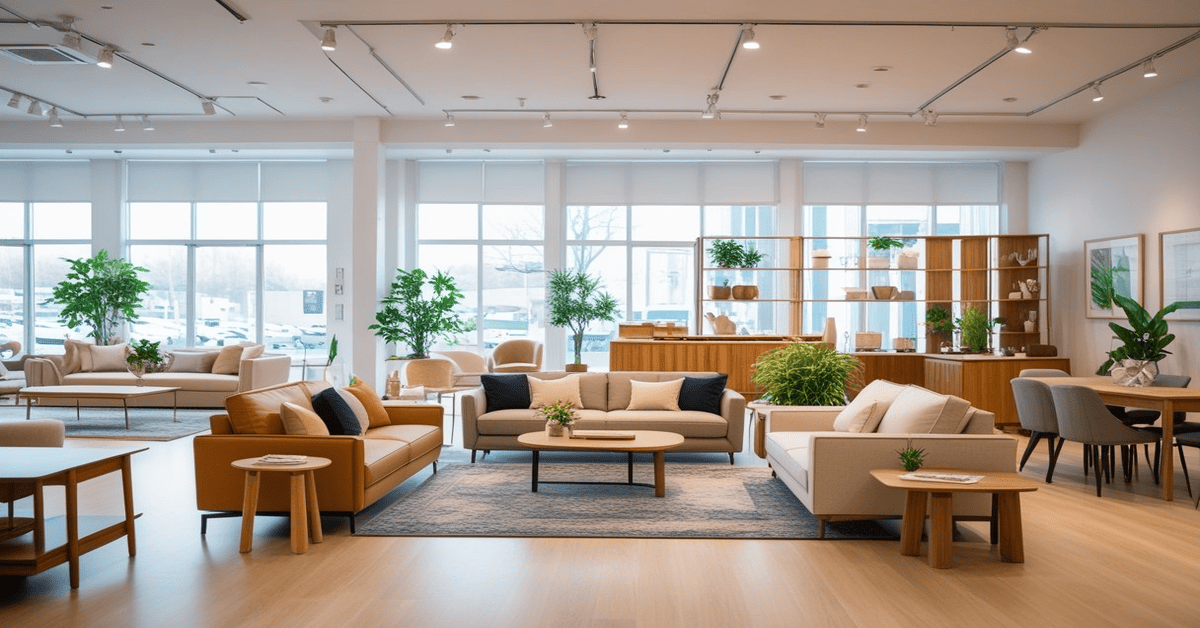
Castlery
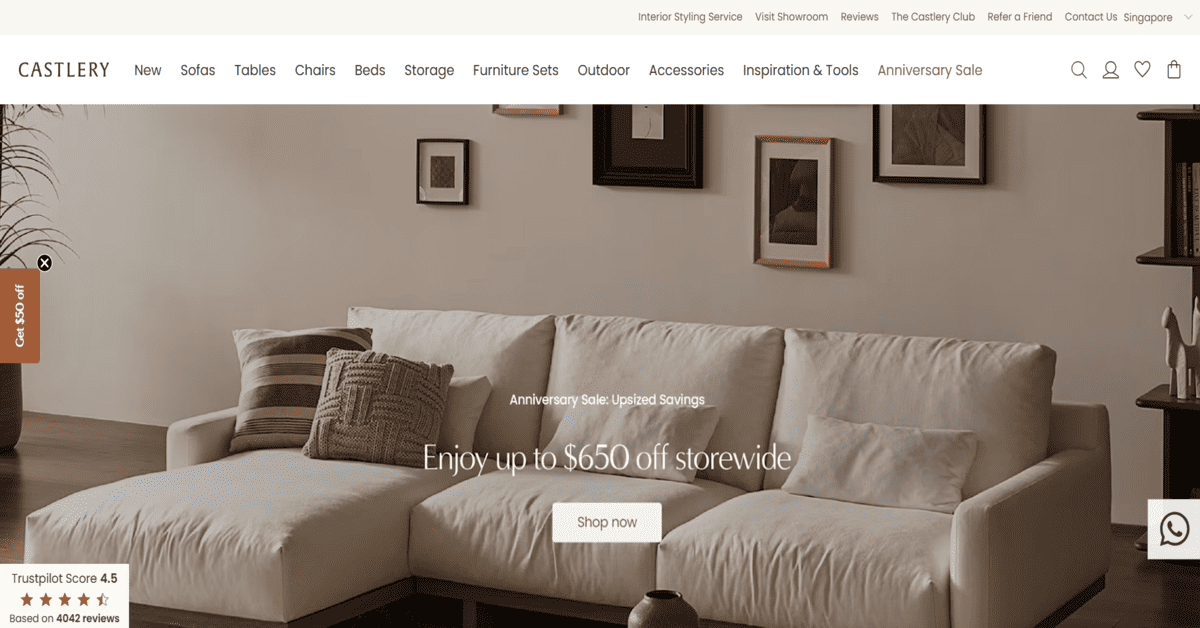
You walk into Liat Towers on Orchard and take the escalator up to Castlery – it’s a homegrown brand that has been quietly changing the way Singaporeans buy furniture since 2013. Their direct-to-consumer model means you get top-grain leather sofas, performance-fabric armchairs and sustainably sourced Indonesian teak dining tables without the middleman markup. The style shades from mid-century modern to Japandi and contemporary farmhouse, so it’s easy to mix and match across the living room, dining area, bedroom and even the balcony. Complimentary customisation and free delivery on orders above S$300 make the whole process damn steady. Their showroom is open daily 10am to 9pm at 541 Orchard Road #02/03-02, Singapore 238881 (call or WhatsApp +65 8241 0030). Browse first at www.castlery.com/sg. This is the spot for young couples doing up a BTO or anyone who wants the designer look without the gallery price – you can test every sofa cushion kiasu-style before committing, and that peace of mind is shiok.
Also worth a look: Best Plant Nurseries and Flower Wholesalers in Singapore — when you want a working nursery, not a garden-centre shelf.
Head up when you’re ready to commit to a sofa that feels as good as it looks—Castlery’s Orchard showroom gives you time to sink in and run your hand across the grain. The edited range means you won’t wander for hours; you’ll find pieces that look swee and walk out with a plan.
Scanteak
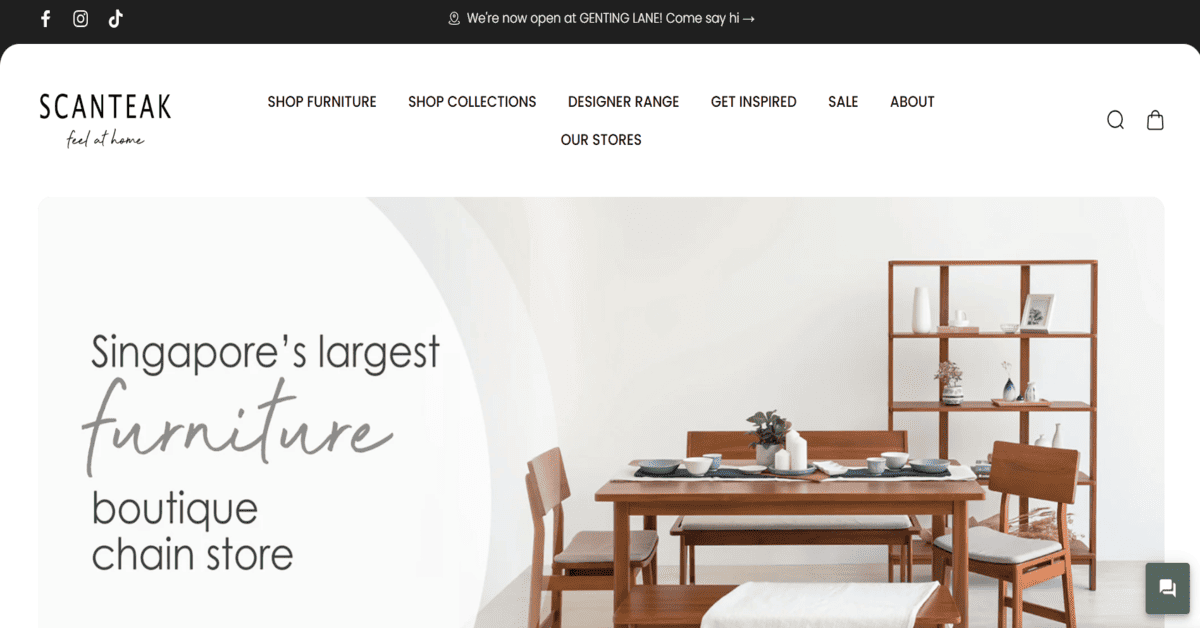
Scanteak has been a Singaporean fixture since 1974, and their Scandinavian-inspired solid teak furniture has a quiet confidence that grows on you. The Pegu Road showroom at 1 Pegu Road #01-01, Singapore 328358 (daily and public holidays, 11am to 8pm) is a calm, woody space where bed frames, coffee tables and dining sets do the talking. Every piece is ethically harvested from Indonesian plantations and built to tahan our humidity – no warping, no drama. You can customise finishes to match your door frames or existing cabinetry. Call +65 6355 0208 or hit up scanteak.com.sg for their other outlets. It’s an investment, no doubt – a dining set can run a few thousand – but families pass these down. This is for the homeowner who believes in buying once and buying well, whether you’re furnishing a landed property or a forever flat.
This list is editorial, not advertising. Run something similar? Tell us what you do and we will take a look.
Scanteak suits the long game—furniture that grows better with every year. Walk the Pegu Road showroom on a weekday morning when the light hits the grain just right. You’ll see what you’re buying into: quiet craftsmanship that won’t ask for fuss, perfect if your priority is a calm, collected home.
Journey East
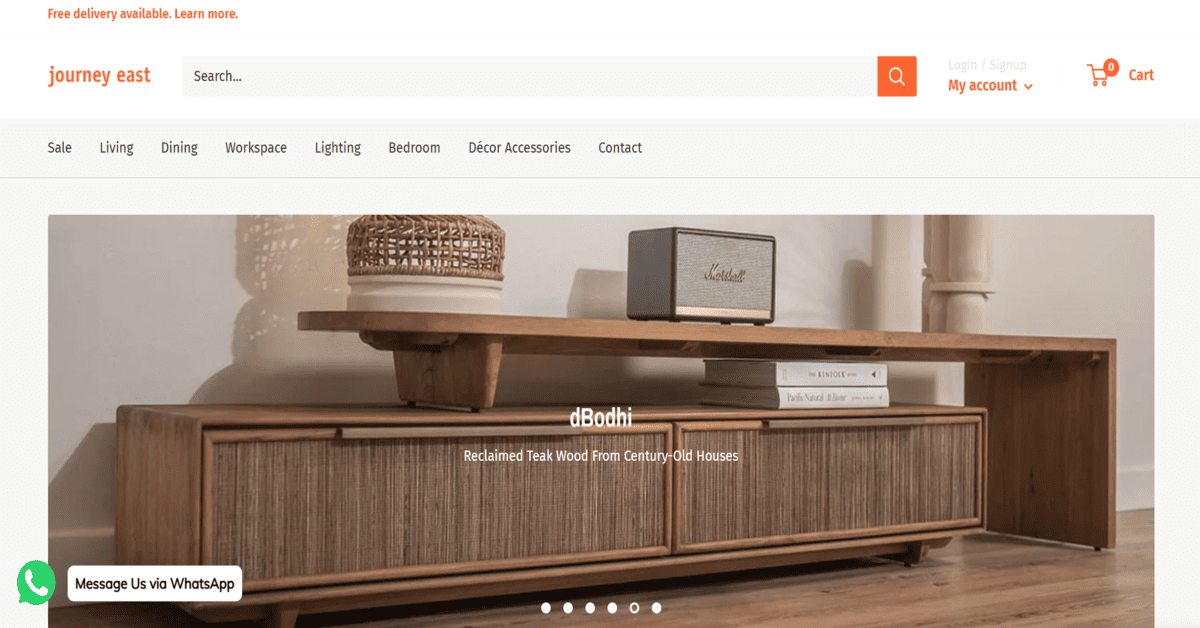
Tan Boon Liat Building is a furniture treasure hunt, and Journey East on the third floor has been curating stories in wood and fabric for over 30 years. They take industrial chic, mid-century modern and Art Deco accents – think hand-restored consoles, reclaimed wood tables and rugs from brands like dBodhi and District Eight – and turn them into pieces with past lives. Bespoke restoration services mean that vintage cabinet you fall for can be tuned exactly to your space. You’ll find them at 315 Outram Road #03-02, Singapore 169074, open daily 10am to 6pm. Ring +65 6473 1693 or WhatsApp +65 9105 3118; website at journeyeast.com. This is for the creatively restless – people who want a home that sparks conversation and doesn’t look like a catalogue. Even a small decor item under a few hundred bucks can be the start of a collection.
If you’re also thinking about curtains to go with that new sofa, we have a guide on Unveiling Singapore’s Premier Curtain Shops. And for the full home makeover, our list of Renovation Companies in Singapore might help too.
If you want your space to feel like it has a past, climb to the third floor of Tan Boon Liat and let Journey East’s gallery-like sprawl draw you in. Give yourself an afternoon to wander—this is the stop for pieces that spark conversation, and the bespoke service means a vintage find can be yours in every sense.
Grey & Sanders
A few floors up from Journey East, Grey & Sanders occupies #15-03 in the same Tan Boon Liat building. They work with live-edge timber slabs and reclaimed materials to create dining tables, sectional sofas and consoles that feel rooted in nature. The commissioning process is deeply personal – you sit with them, pick your slab, and watch a one-of-a-kind heirloom take shape. Open daily and public holidays 11am to 7pm at 315 Outram Road #15-03, Singapore 169074. WhatsApp +65 8371 8864 or visit greyandsanders.com. The price reflects the craft; a custom live-edge dining table is a serious outlay, but it anchors the room for decades. This is for the purist who wants a piece that will gather family stories, not just dust.
Grey & Sanders suits you when you want a dining table that stops guests mid-sentence. Book a session on a weekday morning—the quiet lets you focus on selecting your live-edge slab. The commission timeline is honest, so plan ahead. That table will anchor your space, making every gathering feel a little more intentional.
Commune
Commune has been designing for real Singaporean homes since 2011, and it shows in the proportions: nothing is oversized, everything pulls double duty. Their Millenia Walk outlet at 9 Raffles Boulevard #02-51/53, Singapore 039596 (Mon–Fri 11:30am–9pm, Sat & Sun 11am–9pm) displays modular desks, coffee tables, sofas and bed frames in clean, modern forms. They use hypoallergenic fabrics that breathe in our humidity, and collaborations with local artisans add a touch of the handmade. Call +65 6338 3823 or browse thecommunelife.com. It’s mid-range pricing that makes furnishing a whole room feel manageable, not jialat. Young families and WFH professionals will appreciate how a desk can become a dining table and a sofa doesn’t swallow the living room.
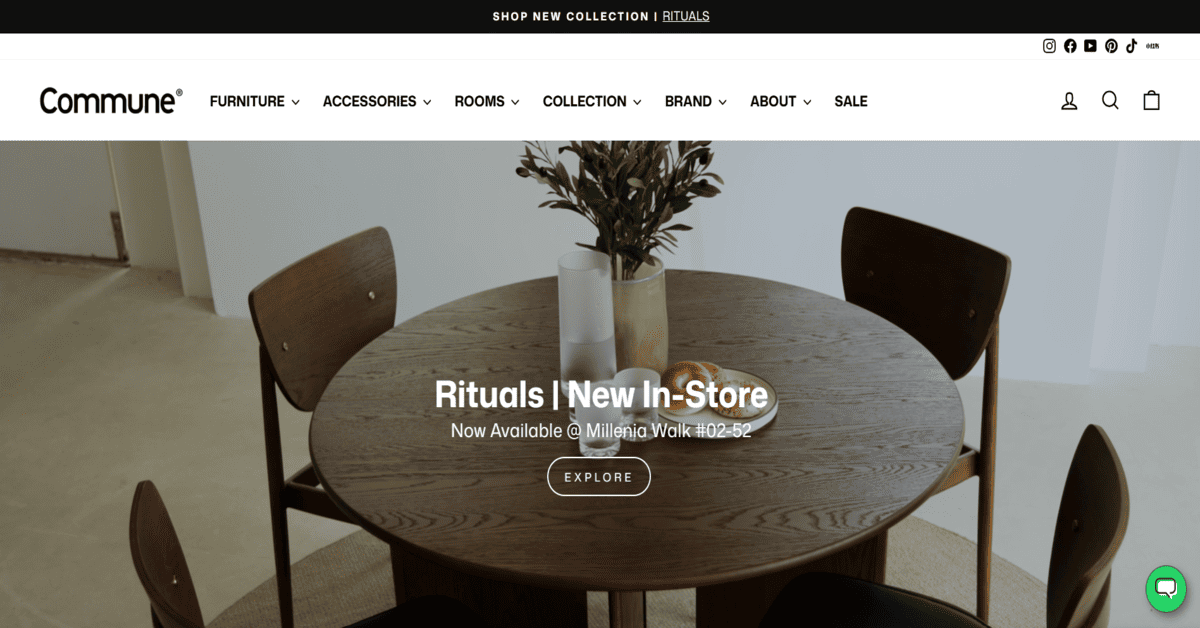
Commune gets that your square footage is real. Their Millenia Walk space is a masterclass in small-space thinking—sleek silhouettes that pull extra duty. Visit after work; the lighting shows how the fabrics handle our humidity, and you’ll leave knowing exactly what fits and why.
HipVan
HipVan’s Clarke Quay showroom (Blk B #02-03, Singapore 179021) is a chill spot to try out sofas, bed frames and decor that span contemporary to bohemian without the atas price tag. They’ve been around since 2013, and their modular systems and seasonal collections keep things fresh. The big draw is lifetime maintenance – so you’re not sweating over a coffee stain. Open daily 11am to 9pm, phone +65 6291 1725, www.hipvan.com. Prices are wallet-friendly enough that you can refresh a room without a deep breath before the bill; many sofas land under $1,500. It’s perfect for renters, first-timers, or anyone who wants to switch up the look without stress. You may also enjoy our roundup of Online Furniture Shops in Singapore if you prefer to browse from the sofa you’re about to replace.
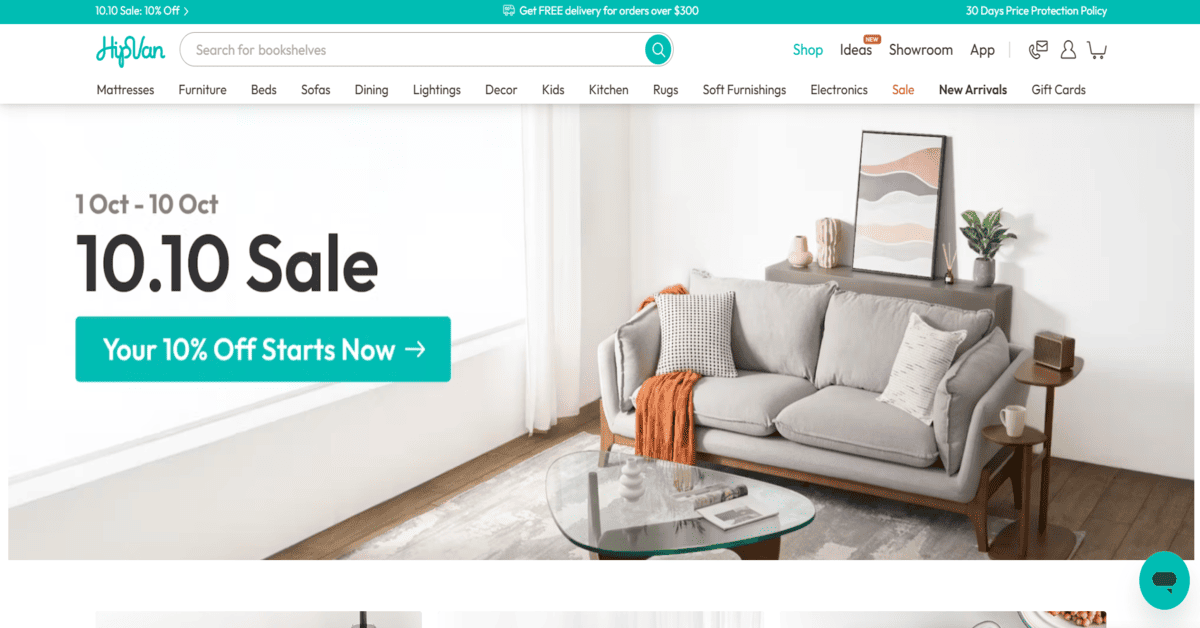
HipVan is your no-sweat stop when you want a living room that works hard and looks easy. The Clarke Quay showroom feels like a friend’s place—try the sofas, flip through the seasonal pieces, and let the lifetime maintenance policy take the worry out of the decision. Good for young renters and upgraders alike.
FortyTwo
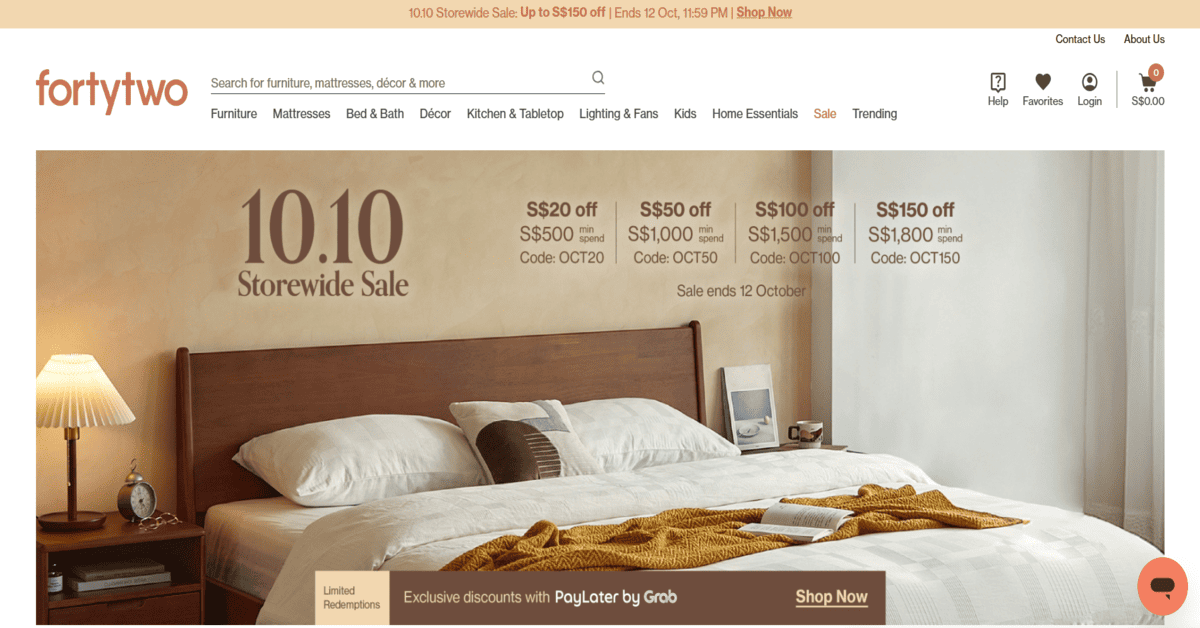
Started in 2007 as an online-first emporium, FortyTwo now has a showroom at Raffles City Shopping Centre (#03-03, 252 North Bridge Road, Singapore 179103) so you can test before you tap “buy”. They carry an overwhelming range – mattresses, bed frames, sofas, dining sets, decor – with free delivery, installation and a solid warranty. The online filters let you narrow by size, price and material, which is a lifesaver for new BTO owners on a timeline. Open daily 10am to 10pm, call +65 6777 7667 or head to www.fortytwo.sg. The prices are low; a decent queen bed frame can be under $500. This one’s for value hunters who want fuss-free shopping, a warranty they can count on, and the option to browse 80,000 things from their phone at 2am.
This list is editorial, not advertising. Run something similar? Tell us what you do and we will take a look.
How to choose
First, think about material and climate. Solid teak (Scanteak) and reclaimed wood (Journey East, Grey & Sanders) age gracefully in humidity but need a bit of care. Engineered woods and performance fabrics (Castlery, Commune, HipVan) are tougher and easier to live with daily. If you want the lightest maintenance, look for hypoallergenic, wipe-clean upholstery.
Second, consider how you buy. Showrooms at Castlery, Commune and HipVan let you sit and feel; online-first players like FortyTwo give you the convenience of late-night browsing with a physical touchpoint if you need it. Delivery timelines vary – some pieces ship within days, custom orders can take weeks – so ask before you commit.
Price-wise, a sofa can range from under $800 at HipVan to $3,000 or more at Castlery or Scanteak. A custom live-edge dining table might start around $2,500 and climb. Warranties and aftercare matter: HipVan’s lifetime maintenance and FortyTwo’s robust warranty add genuine peace of mind, while smaller makers often stand behind their work but may not have a formal policy – just swing them a message.
Finally, measure your space – including lift and doorway dimensions – and check return policies. Many shops offer a change-of-mind window, but restocking fees can apply. The best approach: visit the stores, bring photos of your room on your phone, and take your time. The right piece is the one you still love when you walk past it every day.
| Shop | Best for | Price range | Warranty / Aftercare | Showroom vibe |
|---|---|---|---|---|
| Castlery | Design-forward sofas, Japandi style | Mid-range; free delivery above $300 | Standard guarantee; customisation included | Airy Orchard space, easy to navigate |
| Scanteak | Heirloom teak furniture | Mid to high; investment-grade | Check with the business | Calm, woody, focused on the grain |
| Journey East | Restored vintage, eclectic statement pieces | Varies; decor from a few hundred, furniture higher | Bespoke restoration, check for specific warranty | Layered, gallery-like, full of stories |
| Grey & Sanders | Bespoke live-edge tables | Premium; reflects craftsmanship | Check with the business | Workshop feel, raw materials on show |
| Commune | Space-saving modular designs | Mid-range; whole-room friendly | Hypoallergenic fabrics, check warranty | Bright, minimalist, HDB-scaled setups |
| HipVan | Budget-conscious modern sofas | Check with the business | Lifetime maintenance | Casual Clarke Quay spot, unpretentious |
| FortyTwo | Online convenience, huge range | Check with the business | Robust warranty, free installation | Compact Raffles City unit for quick testing |
Summary
There is a furniture shop here for every kind of home – whether you’re after a teak dining set to pass down, a custom slab table that feels like art, or a simple sofa that arrives next week. Take your time, sit on everything that catches your eye, and pick what makes the room feel right when you walk in at the end of a long day.
Disclaimer: All information provided here has been compiled from publicly available sources. While we have made every effort to ensure accuracy, we do not guarantee that the information is complete or error-free. We disclaim any liability for inaccuracies or omissions. If you find any errors or have concerns about the content, please let us know so we can address them promptly.
Frequently asked questions
FortyTwo is your tactical move—pop into Raffles City to test the bed frame you’ve been eyeing, then use their online filters to order exactly what you need without the runaround. This is furniture shopping for the person who likes a plan, a quick check, and then a smooth delivery—no shag.
Which shop is best for solid wood furniture that lasts?
Scanteak is the go-to for Scandinavian-style solid teak that handles humidity well. If you want restored vintage wood with character, Journey East and Grey & Sanders are strong choices.
Where should I start if I’m furnishing a new BTO flat?
Castlery and Commune both design with smaller Singaporean homes in mind, and their showrooms let you see full room setups. FortyTwo and HipVan are handy if you need lots of pieces on a tight schedule and budget.
Can I customise a dining table to fit my exact space?
Yes. Grey & Sanders specialises in fully bespoke live-edge tables, and Journey East offers custom restoration. Castlery and Commune also allow some finish and fabric customisation.
Which shop has the most affordable sofas?
HipVan and FortyTwo offer strong value, with many sofas priced well below $1,500. HipVan even includes lifetime maintenance.
Do these shops deliver and install?
Most do. Castlery provides free delivery above $300. FortyTwo includes free delivery and installation. Check with each store for specific charges and lead times, especially for bulky or custom pieces.
Is it better to buy online or visit the showroom?
A mix works best. Showrooms let you test comfort and build quality; online platforms like FortyTwo’s make it easy to filter by size and price. Many of these shops offer both, so you can browse online, shortlist, and then visit.