Quick answer: For most Singapore households, Epson’s EcoTank series and Brother’s DCP printers deliver the best balance of low running costs and real-world reliability. Canon is the go-to for photo-quality prints at home, while HP adds smart voice features. If workspace security matters, Lexmark shines; for quiet eco-conscious lasers, Ricoh and Kyocera are solid. Each suits a different kind of user, so the shortlist below will help you decide.
A kitchen shelf printer that spits out the school report before breakfast is cold – that’s the morning you remember. The search for a Printer For Home Use isn’t about specs; it’s about finding one that never makes you late, never runs out mid-page, never needs a frantic trip to the shop.
One of 64 guides in Best Phones & Computers in Singapore — worth a look if you are still weighing options.

Epson
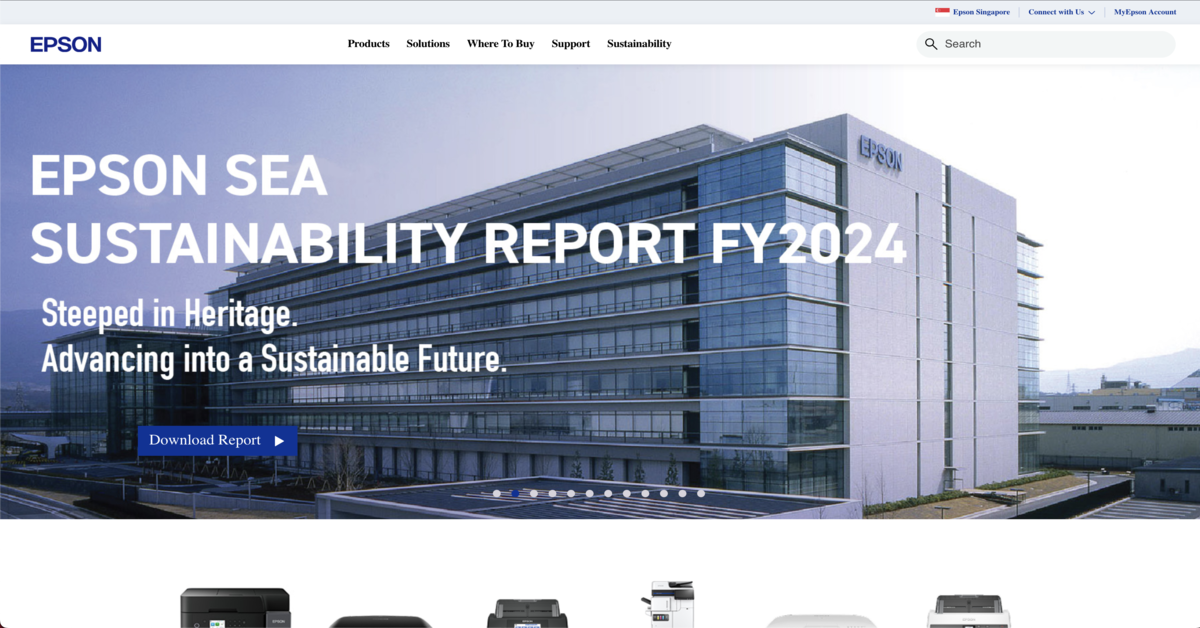
Epson is the brand for home users who never want to think about ink cartridges again. Their EcoTank series, especially the L3250, swaps tiny cartridges for big refillable tanks – you open a bottle, pour, and forget about it for months. It prints, scans, copies, and connects wirelessly without fuss, sitting small enough on a shelf in your study or kitchen corner.
What makes it worth the trip: the running cost per page is laughably low. If you have kids printing worksheets every week or a WFH routine that spits out reports, Epson’s ink tank approach keeps your wallet heavy. No more that sian feeling of the ink warning light two days after buying new cartridges.
The service centre is at 438B Alexandra Road, Block B #04-01/04, Singapore 119968, open Monday to Friday 9am to 6pm (check their locator for other spots). Call them at 800-120-5564 or browse the range at epson.com.sg.
This one suits families and anyone doing moderate to high volumes of colour printing at home – think school projects, party invitations, and the occasional photo that deserves more than a phone screen.
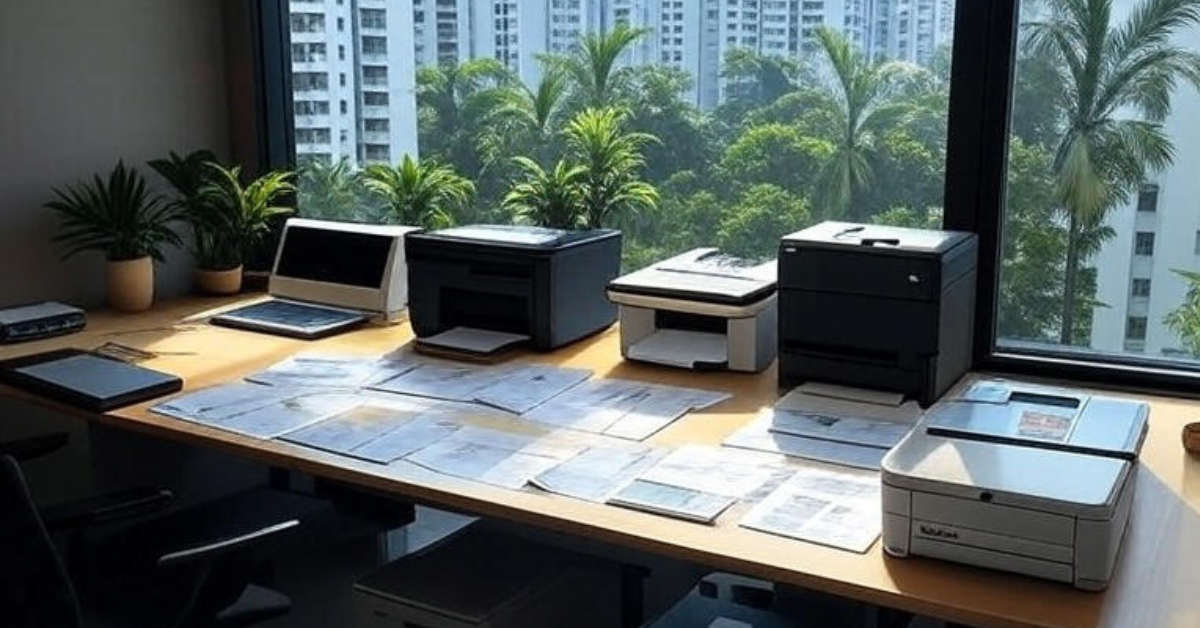
The Epson EcoTank feels like a kitchen gadget more than a piece of office equipment. You open the tank, pour the ink, and you’re set for months – no hunting for cartridges on a Sunday. For the family that prints a little of everything: colouring sheets, recipes, travel docs. This is the printer that keeps the peace.
Brother
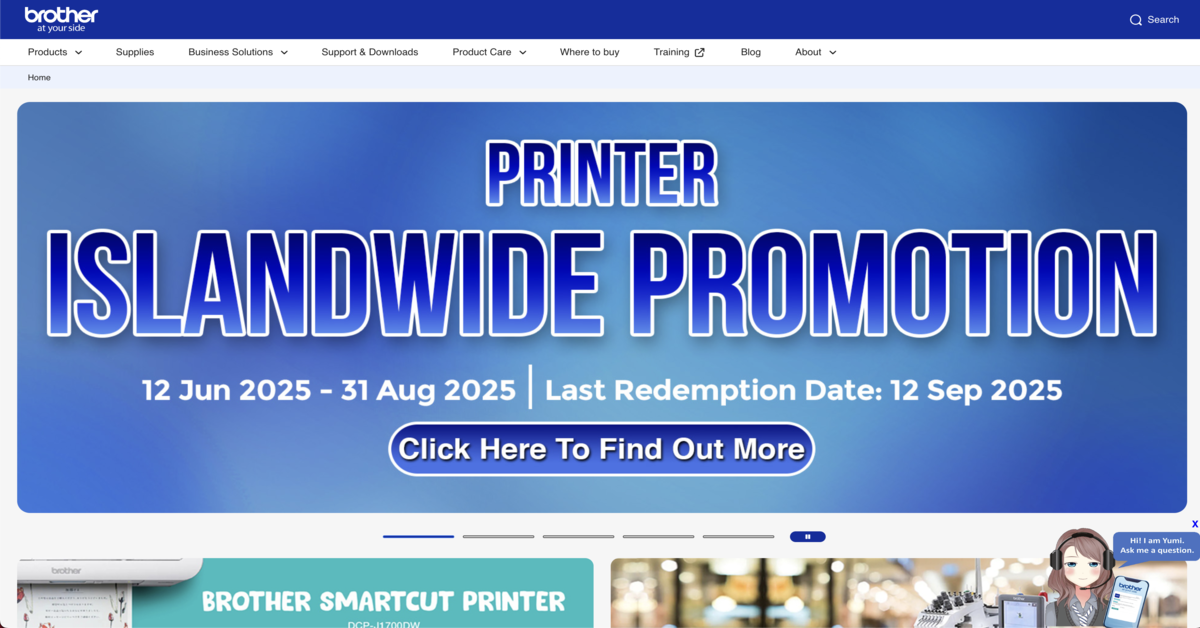
Brother is that steady kaki you call when you need things done without drama. The DCP-J1050DW is a compact all-in-one that prints, scans, copies, and does automatic double-sided printing – very useful when your kid’s school suddenly needs a ten-page report the night before.
Showroom and service address: 10 Eunos Road 8, #09-05 Singapore Post Centre, Singapore 408600. They open Monday to Friday 10.30am to 4.30pm. You can reach customer service at [email protected], and the full product lineup is at brother.com.sg.
Brother’s ink costs stay affordable, and the setup feels intuitive even if you are not the tech person in the house. It’s the printer you recommend to your uncle who just wants to print his boarding pass without installing seventeen apps.
If you’re kitting out the home, you might also spend a bit of time on the latest Washing Machine Brands in Singapore for Sophisticated Home Care – they can handle the laundry while you print.
Brother’s machines have a no-nonsense air, and the DCP-J1050DW fits that vibe perfectly. It sits quietly in a corner until the night before a school deadline, then churns out double-sided pages with zero fuss. No need to flip pages manually – just press print and get back to packing lunches. It’s the kind of dependable that lets you sleep.
Canon
Canon is where home printing meets proper photo quality. The PIXMA G3770 uses a mega tank system for high-yield colour printing, and it can do borderless prints right up to the edge – the kind you want to frame, not just stick on the fridge. Scanning, copying, and app control all come standard.
The service centre is at 1 Fusionopolis Place, #02-20 Galaxis, Singapore 138522, open Monday to Friday 8.30am to 6pm. Call the main line at 6799 8888 (sales hotline: 6-86-22666, service: 6799 8686). Full details at sg.canon.
This is the pick for people who genuinely care about how a printed photo looks – maybe you shoot on film and want to make small prints at home, or you run a side gig selling custom art prints. The colours come out vivid without needing a colour-calibration degree.
This list is editorial, not advertising. Run something similar? Tell us what you do and we will take a look.
Canon makes the stretch from homework helper to memory keeper feel seamless. The PIXMA G3770 handles colour like a proper photo lab, delivering borderless prints you’d happily slip into an album. When a birthday snap comes out warm and frame-ready, that’s the kind of surprise that turns a quick print job into a little celebration.
HP
HP leans into smart-home convenience. The Smart Tank 580 has spill-free refill bottles, high-resolution output, and voice-activated printing – you can literally ask your smart speaker to print a recipe while your hands are floury. It also plays nicely with the HP app, so you can send a document from your phone before you even reach the door.
Address: 1 Depot Close, Singapore 109841. For sales or support ring 1800 278 0182. The full line-up is at hp.com/sg-en.
If your family already uses a lot of smart gadgets, this printer slots right in. Setup feels less like a chore, and the refill process is designed so even the kids can help without inking the whole sofa.
While you’re making the home smarter, check out Soundbar Brands in Singapore for Elevated Home Entertainment – they can make movie night sound as good as it looks.
HP’s Smart Tank 580 is for the home that runs on voice commands and last-minute dinner plans. Hands sticky with dough, you call out a printing request and the recipe sheet slides out before the oven beeps. Spill-free refills mean the setup stays spotless – no ink stains on the counter, just a quiet machine that’s ready whenever you are.
Lexmark
Lexmark is less household-name but earns its spot when you need a printer that takes document security seriously. The MC3224 is a colour laser model – compact for a laser machine – with secure print features that hold your job until you release it at the panel. Ideal if you often print bank statements or confidential work papers at home.
Service centre: 238A Thomson Road, #13-03/05 Novena Square Tower A, Singapore 307684, open Monday to Friday 9am to 5.30pm (SGT). Email [email protected] or visit lexmark.com/en_sg.html. For other dealers, check their dealer locator.
It suits consultants, accountants, or anyone running a small home-based practice where client data needs an extra layer of care. Laser output is crisp, and the machine itself feels built to last.
Lexmark suits the home office where documents aren’t just family reminders but things like tax slips and bank records. The MC3224 holds your print job until you input a PIN at the machine, so nothing sits in the tray for prying eyes. It’s compact enough to tuck beside a monitor, and the laser output looks crisp every time.
Ricoh
Ricoh’s SP 230DNw is a monochrome laser with a small footprint and a surprisingly quiet hum – big deal if your printer lives in the same room you work in. It warms up fast, handles mobile printing, and sips electricity.
Address: 20W Pasir Panjang Road, #04-28 Mapletree Business City, Singapore 117439. Call the main line at +65 6474 0777 or service at +65 6472 3777. More at ricoh.sg.
This is the one for the WFH minimalist who mainly prints text documents – reports, contracts, study notes – and cares about electricity bills and not disturbing the baby. The long-term consumable costs stay low, and the machine rarely demands attention.
Ricoh is the brand for the work-from-home minimalist who values silence as much as speed. The SP 230DNw warms up in seconds, prints with a low hum, and barely takes up desk space. It’s the printer you forget about until you need boarding passes in a hurry – then it’s there, no drama, just crisp black text on a plain sheet.
Kyocera
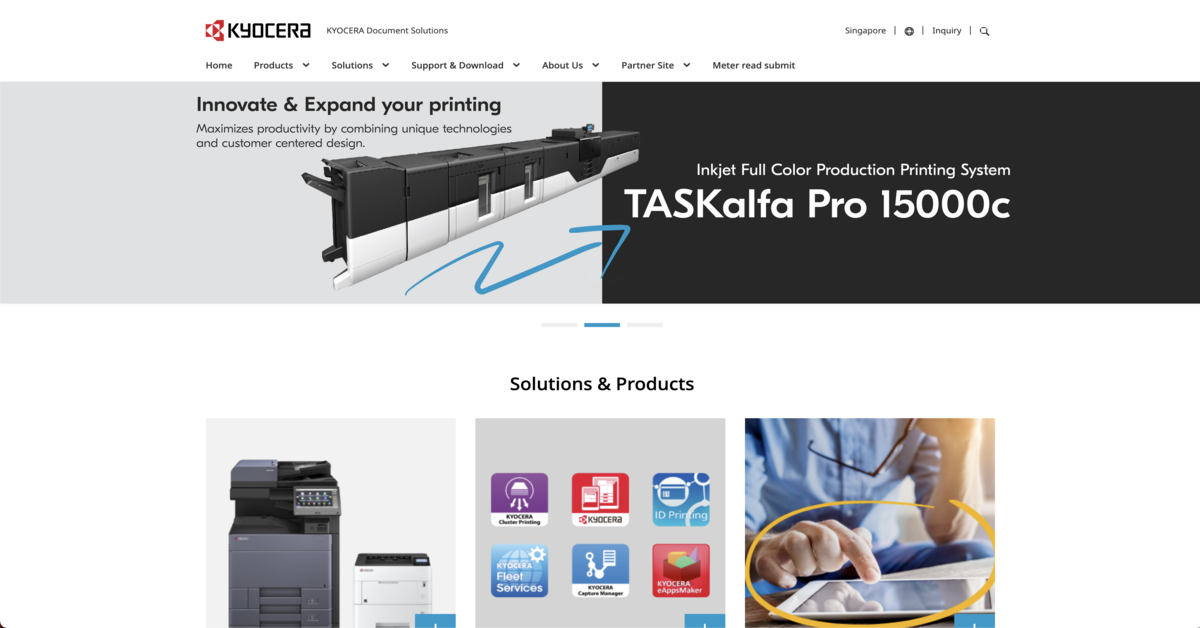
Kyocera’s ECOSYS range, like the P2040dw, is built around the idea that the printer should last, and the parts that usually wear out – drum, developer – are designed to live long. It’s a monochrome laser that connects wirelessly, churns out pages fast, and keeps per-page costs among the lowest around.
Office: 601 Macpherson Road, #04-12 Grantral Complex, Singapore 368242, open Monday to Friday 9am-5pm. Sales or support at +65 6741 8733. The full catalog lives at kyoceradocumentsolutions.com/sg/en/.
Choose Kyocera if you run a home business that prints a lot of invoices or manuscripts, and you care more about a decade of steady output than bells and whistles. It’s the pragmatic, no-nonsense choice that rewards patience.
This list is editorial, not advertising. Run something similar? Tell us what you do and we will take a look.
How to choose
The decision really comes down to three things: print volume, colour versus mono, and whether you want ink tank or laser.
- Print volume. If your household prints more than 100 pages a month, an ink tank model (Epson, Canon, HP Smart Tank) will save you more money over time than cartridge-based printers. If you print hundreds of text pages, a monochrome laser (Ricoh, Kyocera) is the cheaper-per-page route, but you lose colour.
- Colour vs mono. Family users usually want colour for schoolwork and photos. Canon’s PIXMA G-series is the pick for true photo quality. Brother’s DCP range handles colour well for everyday documents. If you almost never print in colour, a mono laser is simpler and the toner never dries out.
- Ink tank vs laser. Ink tanks give great colour at a low running cost but the print heads can clog if left unused for weeks. Lasers (Lexmark, Ricoh, Kyocera) are fuss-free even after long breaks, and they print faster. If you print only once a month, a laser might be less headache.
- Smart features. HP leads with voice control and app integration. Most wireless printers now support AirPrint and Google Cloud Print, so check if your home ecosystem matters more than the printer brand.
- Budget signal. Entry-level ink tanks start from around $200 to $300, while colour lasers like the Lexmark MC3224 can go higher. Monochrome lasers sit in the $150–$250 range. The real saving is in ink or toner: an ink tank bottle can yield thousands of pages, while a cartridge may give a few hundred. When comparing, look at the cost per page, not just the price tag on the shelf.
Side-by-side glance
| Brand | Notable home model | Print type | Sweet spot | Connectivity | Running cost impression |
|---|---|---|---|---|---|
| Epson | EcoTank L3250 | Colour ink tank | High-volume families | Wi-Fi, mobile | Extremely low per page |
| Brother | DCP-J1050DW | Colour inkjet | Everyday home office | Wi-Fi, mobile, auto duplex | Low ink cost |
| Canon | PIXMA G3770 | Colour mega tank | Photo-quality prints | Wi-Fi, app, borderless | Low cost, high volume |
| HP | Smart Tank 580 | Colour ink tank | Smart-home lovers | Wi-Fi, voice-activated | Spill-free, low cost |
| Lexmark | MC3224 | Colour laser | Secure document printing | Cloud, Wi-Fi | Reasonable for laser |
| Ricoh | SP 230DNw | Monochrome laser | Quiet, eco-friendly text | Mobile, Wi-Fi | Very low energy and toner cost |
| Kyocera | P2040dw | Monochrome laser | Long-term high-volume text | Wi-Fi, NFC | One of the lowest per page |
Summary
Picking a home printer in Singapore is really about matching the machine to your real habits – not the dream of printing wedding albums every weekend. Epson and Brother cover most families with reliable, cheap-to-run ink tanks; Canon steps up when picture quality matters; HP makes it smart; and Lexmark, Ricoh, and Kyocera serve the laser crowd with security, silence, and sheer longevity. Whichever you land on, head to the brand’s website or service centre to confirm current pricing and availability.
Disclaimer: All information provided here has been compiled from publicly available sources. While we have made every effort to ensure accuracy, we do not guarantee that the information is complete or error-free. We disclaim any liability for inaccuracies or omissions. If you find any errors or have concerns about the content, please let us know so we can address them promptly.
Frequently asked questions
Kyocera’s ECOSYS line is for the heavy home user who prints lecture notes, contracts, or endless to-do lists without wanting to service the machine. The P2040dw runs fast and quiet, and the drum is built to outlast multiple toner cartridges. It’s the workhorse that fades into the background, leaving you to get on with your day.
Which home printer brand has the cheapest ink in Singapore?
Epson’s EcoTank and Canon’s PIXMA G-series use refillable mega tanks that slash per-page costs. Brother DCP models also keep ink costs low, especially with high-yield cartridges. If you print a lot, ink tank printers generally beat laser on running cost for colour.
Ink tank or laser printer better for home use?
Ink tank printers are great for colour and photos, and they rarely need refills. Laser printers (like Ricoh, Kyocera, Lexmark) are faster for text, never dry out, and need less frequent maintenance – ideal if you print only occasionally.
Which printer brand is best for printing photos at home?
Canon’s PIXMA G3770 with a mega tank system is known for vivid, borderless photo prints. Epson EcoTank models also produce sharp images. Both let you print high-quality photos without constantly replacing cartridges.
Where can I buy these printers in Singapore?
All brands are sold through major electronics stores and online platforms. You can also visit their official Singapore websites or service centres – addresses are listed in the article – for direct purchase or to find authorised dealers.
Do these home printers support wireless printing from phones?
Yes, every model mentioned – from Epson L3250 to Kyocera P2040dw – supports wireless and mobile printing, including AirPrint and Google Cloud Print. HP’s Smart Tank series also works with voice commands via smart speakers.
Which brand is most reliable for long-term home use?
Kyocera and Ricoh monochrome lasers are built for extended durability with low maintenance. Brother and Epson inkjets also have strong track records for reliability, especially if you print regularly and keep the firmware updated.