Last updated 7 August 2026. This page was reviewed on that date. Prices, rates and opening hours change often in Singapore — confirm anything that matters directly with the business before you travel or spend.
Quick answer: Whether you want a full-on luxury splurge, a family day with sea views, or just somewhere air-conditioned to walk off a heavy lunch, these seven shopping centres have you covered. ION Orchard and The Shoppes deliver serious retail therapy; VivoCity and Jewel Changi Airport make the outing itself the draw; and Bugis Junction keeps things trendy without the atas price tag.
A shopping centre here is more than a cool refuge – it’s where you find your tribe and know exactly how the day will flow. Whether you need a quick luxury fix, a family sprawl with the dog, or a two-hour escape that feels like a holiday, the right spot makes you feel you belong. Here’s how to choose without the guesswork.

If none of these quite fit, Best Online & General Shopping in Singapore has 21 lists covering the rest of the category.
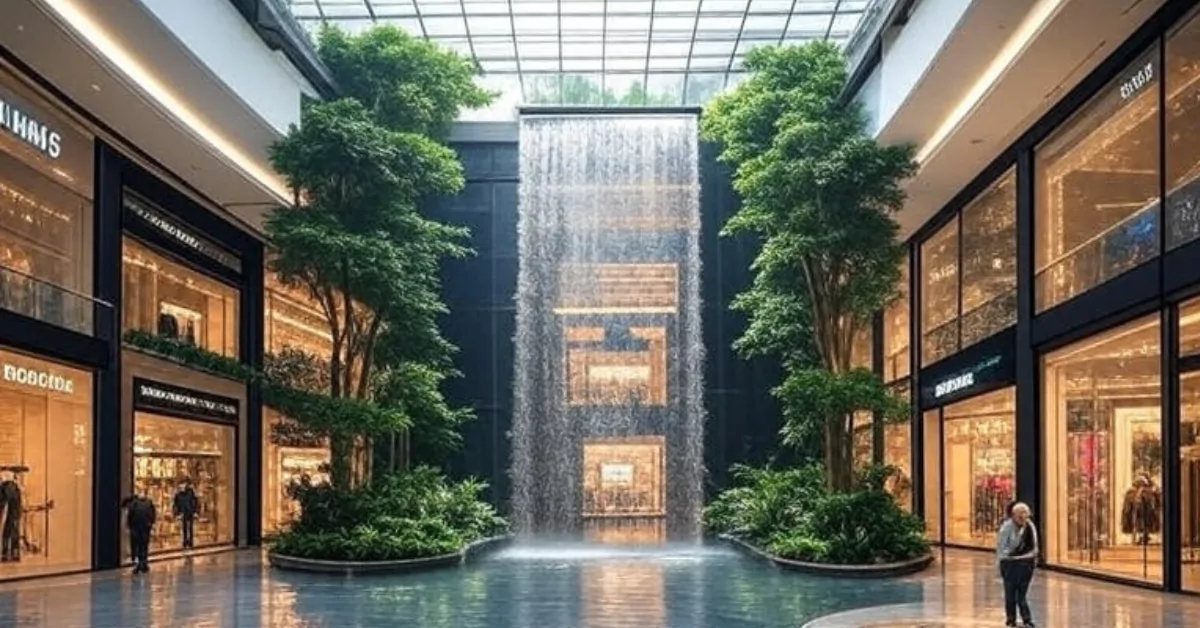
Sometimes you just need a place that feels like a treat. The kind of afternoon where you wander past flagship stores, grab a proper meal, and forget the to-do list. These malls – some iconic, some hidden in plain sight – each bring a different mood to the table. Grab a kopi and see which one calls your name.
ION Orchard

ION Orchard sits right in the middle of Orchard Road looking like a sculpture that someone decided to fill with boutiques. The glass façade alone is worth the trip – step inside and suddenly you’re gliding past Louis Vuitton, Cartier, and Fendi, with more than 300 brands spread over eight levels.
What makes it worth your afternoon: the ION Sky observatory on level 56 gives you a bird’s-eye view of the city, completely free if you spend a minimum amount at the mall. The dining options range from quick matcha lattes to multi-course omakase, so you can adjust your budget on the fly.
ION is where you head when you want to feel atas but don’t have all day – an hour here can scratch the luxury itch. The trick? Come midweek after 3pm, when the Orchard crowd thins and the ION Sky view becomes your own private panorama.
Address: 2 Orchard Turn #05-03, Singapore 238801
Hours: 10am – 10pm daily
Price: Mostly luxury and premium labels
Website: ION Orchard
This is the spot when you want to feel pampered – a birthday treat, a promotion celebration, or simply a day where you deserve something nice. Even window shopping here feels shiok.
The Shoppes at Marina Bay Sands

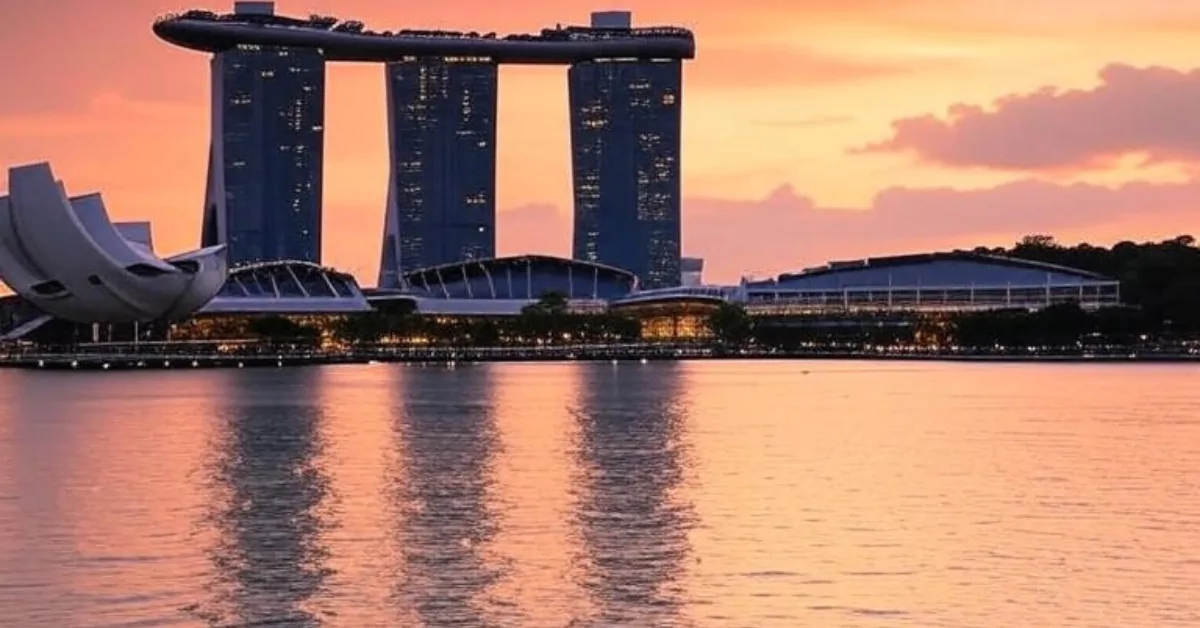
Perched along the waterfront with that iconic hotel looming above, The Shoppes at Marina Bay Sands is where you go to feel like a tourist in your own city – in the best way. Over 170 boutiques sit alongside a canal where you can actually ride a sampan indoors, and the world’s first floating Apple Store gleams on the water.
Fashion-wise, you’ll find Chanel, Gucci, and plenty of names you’d normally only browse at the airport duty-free. But the real pull is the dining: celebrity-chef restaurants dot the upper levels, so you can turn a shopping trip into a full date night.
This is your go-to when you want to play tourist without booking a flight. The indoor sampan ride and waterfront stroll make it feel like a mini getaway, so even a Tuesday afternoon here can feel like a vacation. Suits couples or anyone needing a dose of escapism.
Address: 10 Bayfront Avenue, Singapore 018956
Hours: 10am – 10pm daily
Price: High-end luxury
Website: The Shoppes at Marina Bay Sands
This is an editorial round-up, not a paid directory. Think we have missed somewhere? Tell us what you do and why it belongs here.
Paragon

Paragon might not shout as loudly as its Orchard neighbours, but that’s exactly the point. It’s where Gucci, Prada, and Jimmy Choo sit comfortably next to Muji and Nike, so you can pick up a new handbag and a pack of stationery in the same trip. The adjoining medical tower adds a practical layer – think paediatricians and wellness clinics – making it a godsend for parents who need to combine errands.
Kids’ fashion floors mean even the little ones leave with something, and the dining leans refined without being stiff. It’s the kind of mall your mother-in-law will approve of.
Paragon understands that luxury and life admin often overlap. Swing by after a paediatrician appointment, grab a new handbag, then stock up on stationery – all without changing carpark. It’s the mall for efficient souls who value indulgence with a side of practicality.
Address: 290 Orchard Road, #14-05/06, Singapore 238859
Hours: 10am – 10pm daily
Price: High-end to mid-range mixed
Website: Paragon
If you’ve been scrolling Online Shopping Platforms in Singapore and want to see the real thing before you buy, Paragon’s mix of high-street and luxury lets you do both in one afternoon.
VivoCity

VivoCity is the one you head to when the whole family needs to burn off energy – including the dog. As Singapore’s largest lifestyle mall, it stretches along the HarbourFront with views of Sentosa and a rooftop Sky Park where kids can run while you nurse an iced kopi from Food Republic. With over 380 stores, it covers everything from designer outlets to a cinema, so rain or shine, you’ve got a plan.
It’s also pet-friendly, which means you can bring your corgi along for a walk and not get the side-eye from security. The open-air amphitheatre sometimes hosts free performances on weekends – check the schedule before you go.
VivoCity is where the whole clan – dog included – spends a lazy Sunday. The trick is to park by 10am, stake out a spot at the rooftop Sky Park, then let the kids roam while you sip iced kopi. Come evening, the Sentosa sunset from the boardwalk is pure free therapy.
Address: 1 HarbourFront Walk #01-100, Singapore 098585
Hours: 10am – 10pm daily
Price: Mid-range to premium, with plenty of affordable eats
Website: VivoCity
Jewel Changi Airport

You know that feeling when you step into Jewel and the Rain Vortex just stops you in your tracks? Even if you’ve seen it a dozen times, it does something to the day. By day the Forest Valley feels like a cool escape; by night the light show turns it into a date backdrop that’s damn hard to beat.
Beyond the waterfall, the mall packs in Nike, Apple, Muji, and eateries from hawker-style to full restaurant. Shops open from 6am till midnight, so early-bird joggers and midnight-supper crews alike can get their fix. Don’t need a boarding pass to enjoy any of it.
Jewel is that rare place where you can pop in just for the waterfall and leave feeling like you’ve had a mini holiday. Go on a weekday morning when the cascades are less crowded, and even a simple breakfast by the mist feels extra shiok.
Address: 78 Airport Boulevard, Singapore 819666
Hours: 24 hours (shops 6am – midnight)
Price: Mixed – everything from quick bites to splurge meals
Website: Jewel Changi Airport
Bugis Junction

Bugis Junction feels like a cool breeze in the middle of a busy week. The glass-roofed streets nod to the area’s colonial past while housing Sephora, H&M, Uniqlo, and other high-street favourites that don’t require you to sell a kidney to enjoy. It’s where young professionals and students mingle, and the food court upstairs serves legit hawker dishes without the sweat.
What sets it apart is the layout – part indoors, part open-air, so you’re never stuck in stale air-conditioning. Grab a bubble tea, people-watch under the glass, and you’ve got a solid afternoon for under fifty bucks.
Bugis Junction is your answer when you want high-street labels without the Orchard Road price pressure. The breezy covered lanes keep things cool while you browse Uniqlo, then head upstairs for solid local eats – no sweat required.
Address: 200 Victoria Street, Singapore 188021
Hours: 10am – 10pm daily
Price: Mid-range to affordable
Website: Bugis Junction
This is an editorial round-up, not a paid directory. Think we have missed somewhere? Tell us what you do and why it belongs here.
Suntec City

Suntec City is massive – over 380 outlets spread across four towers and a convention centre, so wear comfortable shoes. The Fountain of Wealth sits at the centre and draws its own crowd, especially during the evening light show. Inside, you’ll find Sephora, H&M, Uniqlo, and a solid concentration of Japanese dining spots, from ramen bars to teppanyaki.
Because it’s connected to offices and convention spaces, the crowd changes with the workday. Weekday lunches buzz with suits; weekends feel more relaxed. It’s the kind of place you pop into for one thing and end up staying for dinner.
Suntec City is your ‘let’s conquer this mall’ kind of day out – massive, connected, and packed with enough Japanese food to keep everyone happy. Plan your route around the fountain light show and you’ll feel like you’ve done something properly local.
Address: 3 Temasek Boulevard, Singapore 038983
Hours: 10am – 10pm daily
Price: Mixed, with plenty of mid-range options
Website: Suntec City
After a long walk around Suntec, you might start thinking about refreshing your home too – our round-up of Online Furniture Shops in Singapore is a good place to start once you’re back on the sofa.
How to choose
The right mall depends on the kind of day you want. Orchard Road stalwarts like ION Orchard and Paragon are all about serious luxury – save them for when you’ve got something to celebrate. If you want the outing itself to be the highlight, VivoCity (with its rooftop and sea views) and Jewel (with that waterfall) deliver an experience beyond the shops. Bugis Junction is your go-to for a casual, budget-friendly hangout that still feels lively.
Consider opening hours carefully: most close at 10pm, but Jewel’s shops run from 6am to midnight, so you can squeeze in grocery runs or late-night retail therapy after dinner. Parking and public transport links are generally good across the board, though VivoCity offers the quickest hop to Sentosa if you’re extending the day.
As for dress code – no one really cares, but if you’re heading to ION or The Shoppes, you might feel more at home in something a little sharper. The rest are jeans-and-slippers territory.
All seven are served by at least one MRT station, so you can leave the car at home and avoid parking stress. If you do drive, parking is available at each mall, with rates that typically range from $2 to $4 per hour; check with the individual mall for the latest charges.
| Mall | Best For | Notable Feature | Price Range | Opening Hours |
|---|---|---|---|---|
| ION Orchard | Luxury fashion & date outings | ION Sky observatory | Luxury | 10am – 10pm |
| The Shoppes at Marina Bay Sands | Luxury & waterfront experience | Indoor sampan ride, floating Apple Store | Luxury | 10am – 10pm |
| Paragon | Upscale family shopping | Attached medical tower | High-end to mid-range | 10am – 10pm |
| VivoCity | Family & pet-friendly leisure | Rooftop Sky Park, pet amenities | Mid-range to premium | 10am – 10pm |
| Jewel Changi Airport | Nature-integrated retail | Indoor waterfall & Forest Valley | Mixed | 24h (shops 6am – midnight) |
| Bugis Junction | Trendy, affordable outings | Glass-roofed colonial streets | Mid-range to affordable | 10am – 10pm |
| Suntec City | Variety & events | Fountain of Wealth | Mixed | 10am – 10pm |
Summary
Singapore’s shopping centres each carve out their own personality. ION Orchard and The Shoppes go big on luxury, while VivoCity and Jewel turn a simple errand into a full-day escape. Paragon balances class with family practicality, Bugis Junction keeps the vibe young and wallet-friendly, and Suntec City offers sheer scale. Choose the one that matches the mood you’re after – or work your way through all seven, one weekend at a time.
Disclaimer: All details were accurate at the time of writing but may change. Please confirm directly with the business before heading down.
Read next
Frequently asked questions
Which shopping centre is best for luxury brands?
ION Orchard and The Shoppes at Marina Bay Sands both house flagship boutiques from labels like Louis Vuitton, Chanel, and Gucci, alongside fine dining and architectural flair.
Are these malls suitable for families with young children?
Yes. VivoCity has a rooftop playground and is pet-friendly, Paragon offers kids’ fashion and an adjoining medical tower, and Suntec City provides wide, stroller-friendly corridors.
What time do these shopping centres open and close?
Most operate from 10am to 10pm daily. Jewel Changi Airport’s retail shops open from 6am to midnight, while the building itself stays open 24 hours.
Is Jewel Changi Airport only for travellers?
Not at all. Locals flock to Jewel for the indoor waterfall, garden, dining, and shopping; you don’t need a boarding pass to enjoy any of it.
Which mall is best for a casual, budget-friendly outing?
Bugis Junction blends high-street brands like Uniqlo and H&M with hawker-style food under a breezy glass roof, making it easy to have a good time without overspending.
Can I bring my pet to any of these malls?
VivoCity explicitly welcomes pets and provides amenities for them. Other malls generally restrict entry to service animals, so it’s best to check ahead.