Quick answer: Singapore’s Nintendo Switch shopping options span a multi-outlet gaming retailer (PLAY-E), a major electronics chain (Harvey Norman), an online-only store (Games Home), a long-standing regional Nintendo games distributor (Maxsoft), and a family-friendly gaming shop (Archwizard Entertainment). We verified all five against ACRA-derived registry records (four directly, one via two independent registry aggregators) — all five resolve to live entities. One finding carried over from our companion game-shops guide: PLAY-E’s registered company is currently “Gazetted To Be Struck Off” by ACRA despite its stores and website confirmed still actively trading — worth knowing before a purchase relying on long-term company backing.
Feeling the urge to zhng your Nintendo Switch collection? The right store makes all the difference. Whether you’re after the newest release or a rare accessory, Singapore has options that cater to every kind of gamer. Swipe through for our practical picks that’ll have your gaming den looking extra shiok in no time.
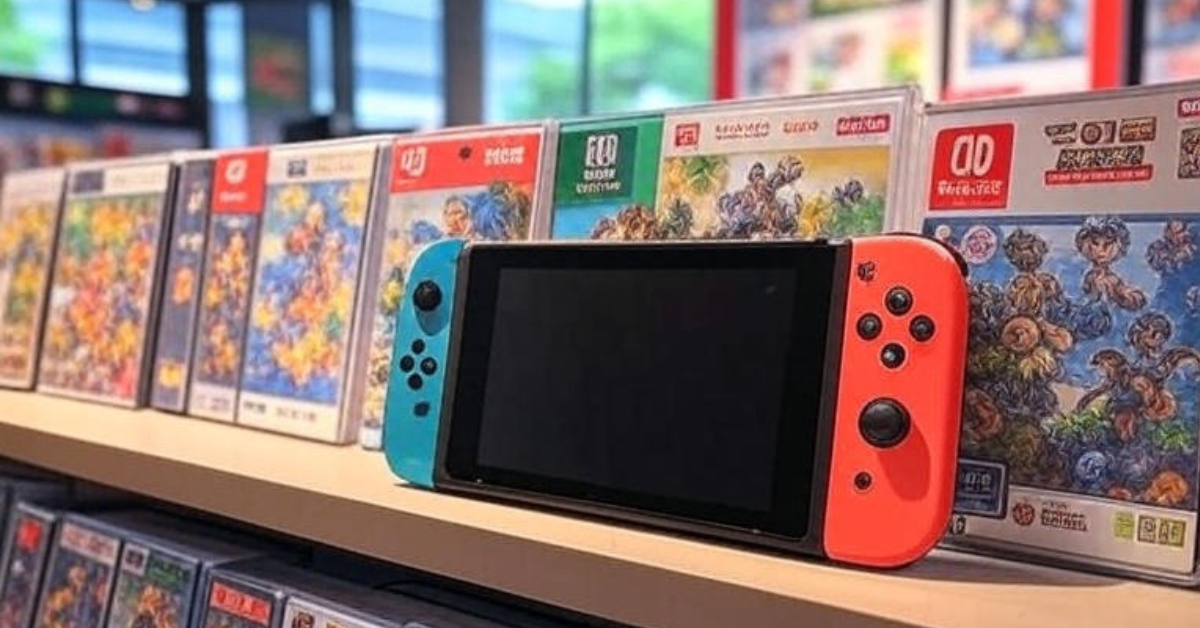
1. PLAY-E
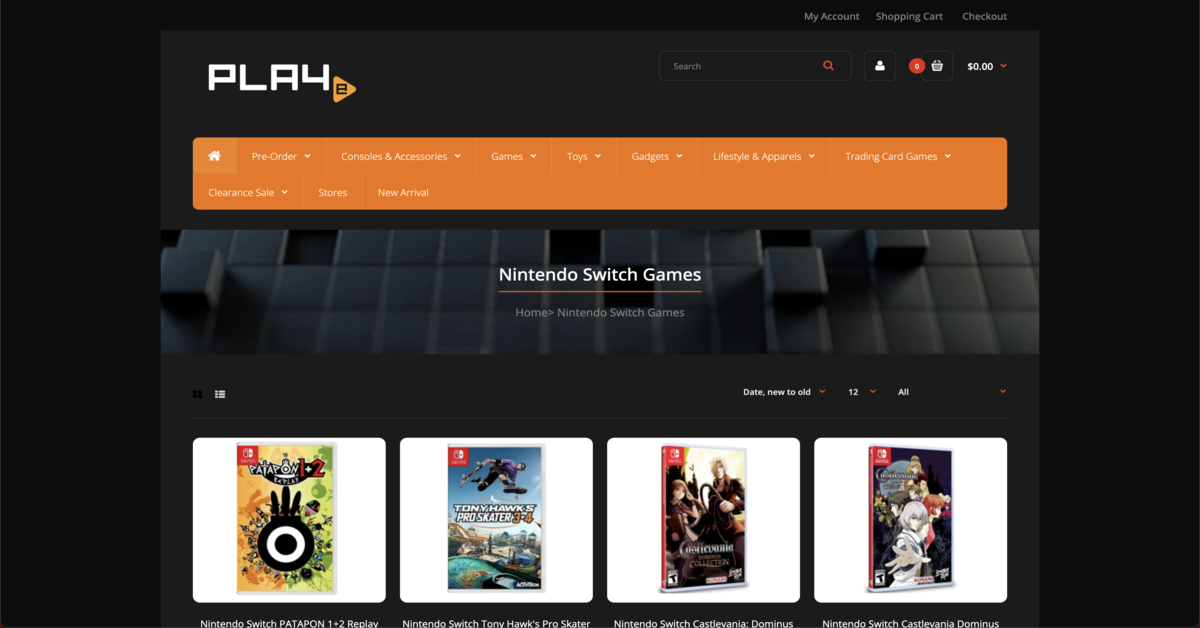
PLAY-E Pte. Ltd., UEN 201523435W (incorporated 18 May 2015), offers Nintendo Switch titles alongside consoles, accessories, action figures, and trading cards, both online and at physical stores. Finding, disclosed: ACRA-sourced registry records show this company’s status as “Gazetted To Be Struck Off” — a formal ACRA notice of intent to deregister the entity. Despite this, independent corroboration (confirmed earlier the same day in a companion post on this site’s Games category) shows all three stores and the PLAY-E website are still actively trading as of July 2026. Worth confirming current status directly with a store before a purchase relying on warranty or store credit.

Products or Services
PLAY-E stocks Nintendo Switch titles across US, EU, and Asia-specific editions, plus consoles, accessories, action figures, and trading cards.
Contact Information & Location
- Locations: AMK Hub (53 Ang Mo Kio Ave 3, #02-30/31, Singapore 569933), Bedok Mall (311 New Upper Changi Road, #B1-17, Singapore 467360), VivoCity (1 HarbourFront Walk, #02-36, Singapore 098585)
- Operating Hours: Generally 11am-10pm daily (varies by location)
- Email: [email protected]
- Phone: +65 6271 0466 (VivoCity store)
PLAY-E is the kind of store that turns a quick errand into a proper jaunt. Beyond the Nintendo Switch shelves, you’ll spot trading cards and action figures that make any collection feel more solid. It’s perfect for scoring a last-minute gift or adding a personality piece to your gaming corner. Walk in with a list, walk out feeling like a savvy collector.
Website: PLAY-E
2. HARVEY NORMAN SINGAPORE
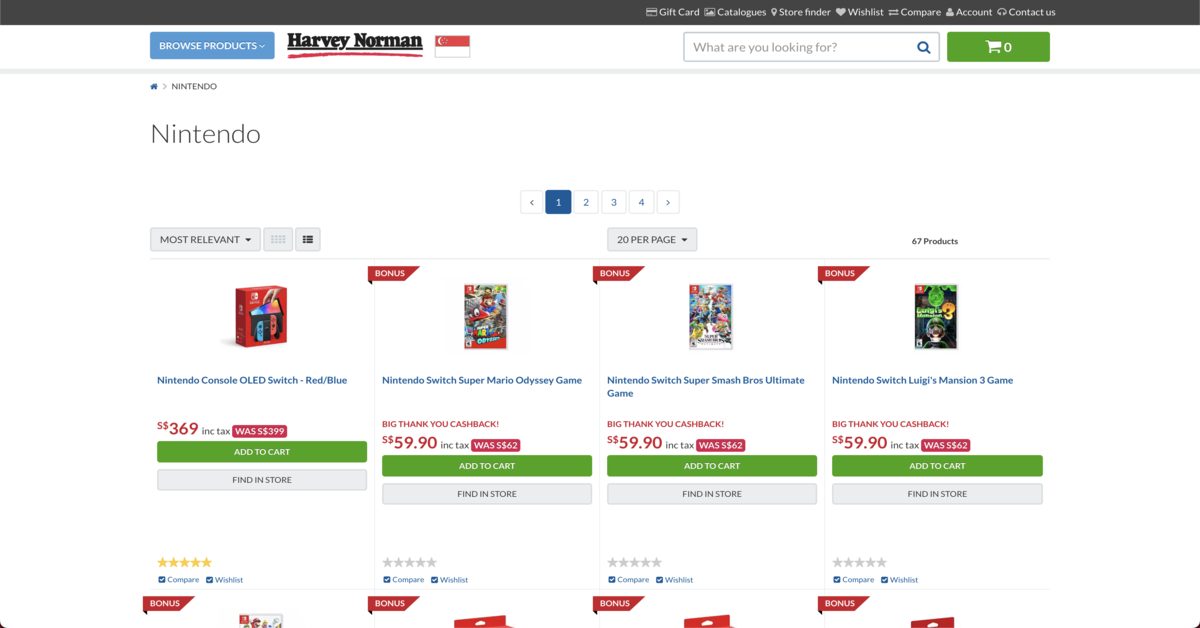
Harvey Norman Singapore Pte. Ltd., UEN 199903514N (incorporated 23 June 1999), carries a dedicated Nintendo section with Switch consoles, games, and accessories. Registry records confirm the company is live, with a principal activity classified as a holding company. Note: this is a distinct UEN from the one previously verified for Harvey Norman’s retail operations in an earlier post in this series (Pertama Merchandising Pte Ltd, UEN 198902241N — the operating entity behind the Harvey Norman brand’s retail storefronts) — both are legitimate, live entities within the same corporate family, consistent with the multi-entity group structure disclosed there.
Products or Services
Harvey Norman stocks Nintendo Switch, Switch OLED, and Switch Lite models, plus games and accessories including Joy-Con controllers and protection kits.
Contact Information & Location
- Locations: Millenia Walk (9 Raffles Boulevard, #01-59 to 63, Singapore 039596), West Mall (1 Bukit Batok Central Link, #03-06 to 09, Singapore 658713), Suntec City (6 Temasek Boulevard, East Atrium, Tower 3/4, #01-634/640, Singapore 038986)
- Operating Hours: Vary by location, typically Mon-Sun 11am-9:30pm
- Email: [email protected]
- Phone: +65 6332 2312 (Suntec City store)
Harvey Norman Singapore is a reassuring stop for families building out a gaming setup. Their dedicated Nintendo section means you won’t have to anyhow search through aisles. Staff are on hand to answer questions without pressure, and you can easily pair a new Switch with a bigger TV or sound system in the same trip. It’s a fuss-free way to keep the whole household happy.
Website: Harvey Norman
3. GAMES HOME
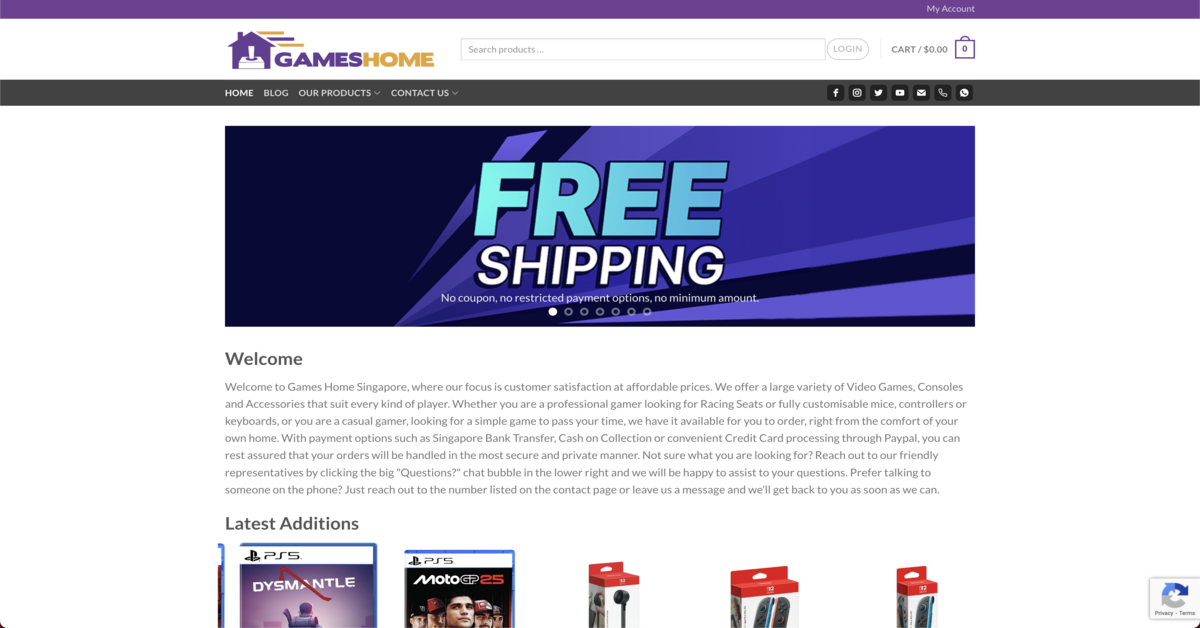
Games Home, UEN 53097041D (a sole proprietorship registered 18 July 2007), is an online-only retailer for video games, consoles, and accessories, including Nintendo Switch titles. ACRA-sourced registry records confirm the business is live.
Products or Services
Games Home offers video games for multiple platforms including Nintendo Switch, plus consoles and accessories like racing seats, controllers, and keyboards, with bank transfer and PayPal payment options.
Contact Information & Location
- Location: Online store only, no physical retail location
- Email: [email protected]
- Phone: +65 9103 3781
Games Home keeps things chop chop for the gamer who already knows what they want. A few clicks from your phone and your next Nintendo Switch title is on its way. They also stock racing seats and mechanical keyboards, so your whole battle station can level up without leaving the house. No queue, no crowd—just solid gear delivered to your door.
Website: Games Home
4. MAXSOFT
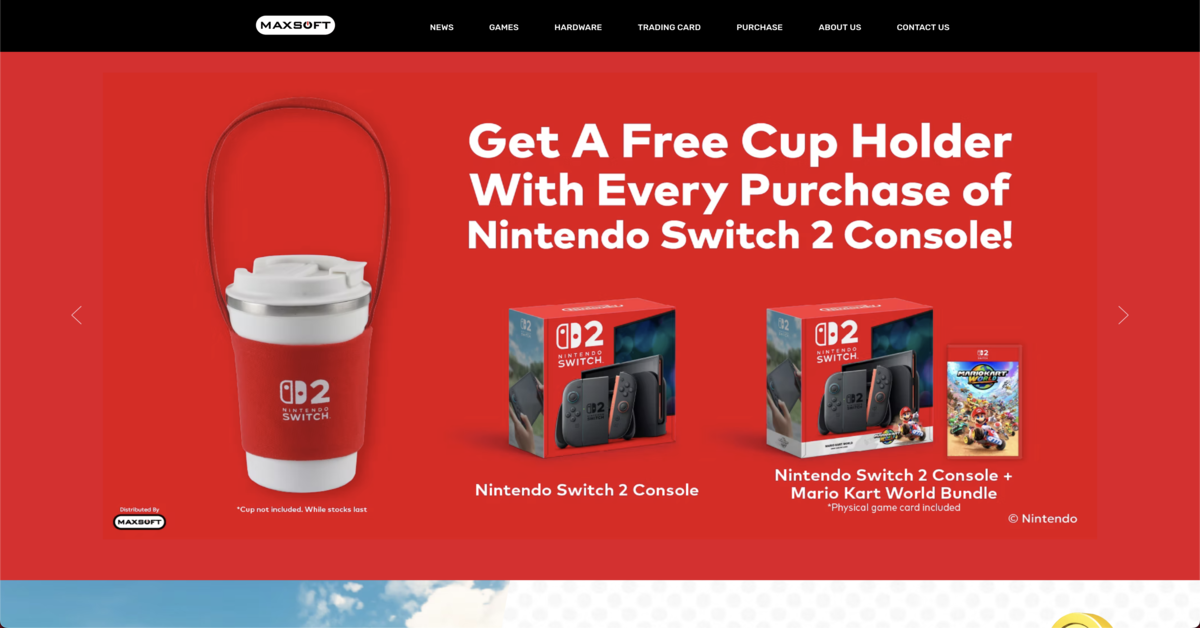
Maxsoft Pte. Ltd., UEN 200401336R (incorporated 6 February 2004), is a distributor of Nintendo Switch consoles and games. Registry records confirm the company is live, with a principal activity of computer/video game wholesale — an exact match. Its listed address is an office, not a retail storefront, consistent with its role as a distributor rather than a walk-in shop.
Products or Services
Maxsoft distributes Nintendo Switch physical and digital titles spanning action-adventure, RPG, and fighting genres, alongside consoles and accessories.
Contact Information & Location
- Address: 24 New Industrial Road, #06-08, In Space, Singapore 536210 (office, not a retail store)
- Operating Hours: Mon-Fri, 9am-12:30pm and 1:30pm-6pm
- Email: [email protected]
- Phone: +65 6338 2780
Maxsoft works quietly behind the scenes as the official distributor, ensuring Nintendo Switch consoles and games land in Singapore reliably. While they don’t have a retail storefront, their presence means you’re getting authentic stock when you shop at partnered outlets. Think of them as the steady engine that keeps your favourite game store well-supplied.
Website: Maxsoft
5. ARCHWIZARD ENTERTAINMENT
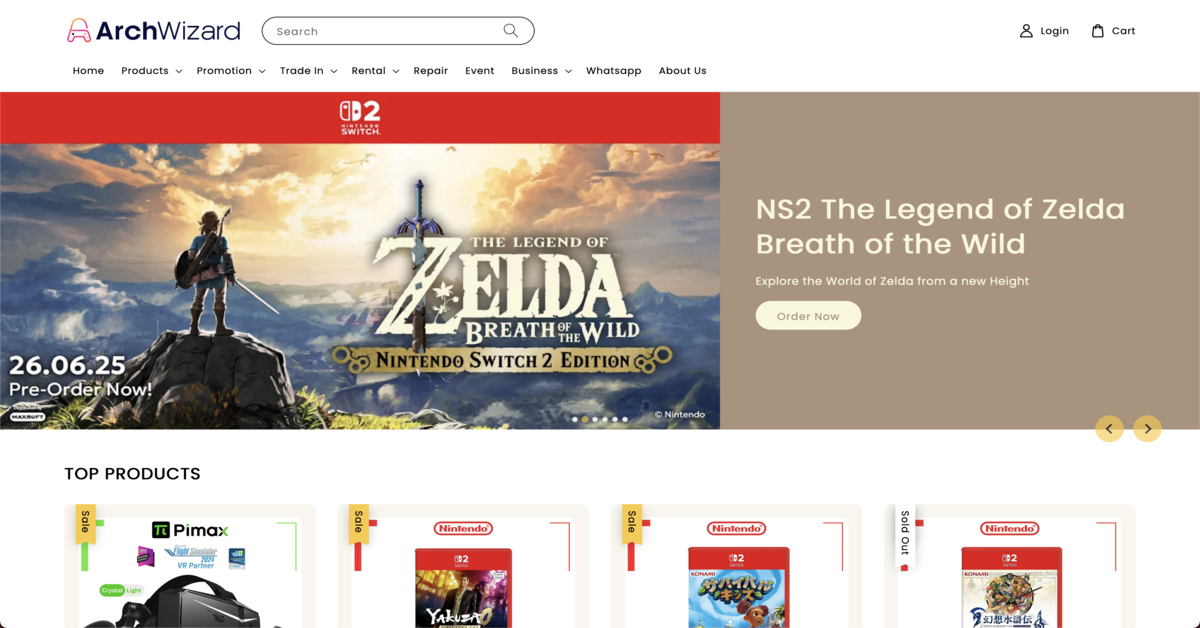
Archwizard Entertainment Pte. Ltd., UEN 202441579M (incorporated 10 October 2024), is a family-friendly gaming store offering retail, trade-in, and rental services. Registry records confirm the company is live, with a principal activity of video game retail — an exact match, registered address matching the store below exactly.
Products or Services
Archwizard offers Nintendo Switch games and consoles, including preorders for Nintendo Switch 2, alongside trade-in services and game rentals.
Contact Information & Location
- Address: 63 Jalan Pemimpin, #03-10, Pemimpin Industrial Building, Singapore 577219
- Operating Hours: Mon, Wed, Fri-Sun 12:30pm-8pm; Closed Tue and Thu
- Phone: +65 9716 9379
- Email: [email protected]
Archwizard Entertainment brings a playful, neighbourly spirit to Nintendo Switch shopping. Pop in to preorder the latest release, or take advantage of their rental service to test a title before fully committing—a real savvy move. Their trade-in program means your collection can constantly evolve without clutter. It’s the sort of spot where both kids and adults feel welcome to explore.
Website: Archwizard
Summary
Singapore’s Nintendo Switch shopping spans a multi-outlet retailer (PLAY-E), a major electronics chain (Harvey Norman), an online-only store (Games Home), a regional distributor (Maxsoft), and a family-friendly gaming shop (Archwizard Entertainment). All five trace to live, ACRA-registered entities as of July 2026, with the same PLAY-E registration-status caution applying equally here.
| Brand Name | Description | UEN |
|---|---|---|
| PLAY-E | Multi-outlet Nintendo Switch retailer (ACRA status: gazetted for strike-off — see note above) | 201523435W |
| Harvey Norman Singapore | Major electronics chain with dedicated Nintendo section | 199903514N |
| Games Home | Online-only retailer | 53097041D |
| Maxsoft | Regional Nintendo games distributor (office only, no retail storefront) | 200401336R |
| Archwizard Entertainment | Family-friendly gaming store with trade-in and rental | 202441579M |
Disclaimer: Information here was verified against ACRA-derived registry records as of July 2026. Store details and company registration status can change — please confirm directly with the business before making a purchase, especially one relying on warranty or store credit. If you find any errors or have concerns about the content, please let us know so we can address them promptly.