

Minecraft Mrcrayfish Furniture Mod: Add More Style to Your Game
If you’re a Minecraft player looking to add some flair to your builds, MrCrayfish’s Furniture Mod might be just what you need. This popular mod adds a variety of furniture and decorations to the game, allowing you to make your virtual spaces feel more like home. Whether you’re looking to create a cozy bedroom, a functional kitchen, or a stylish outdoor patio, this mod has something for you.
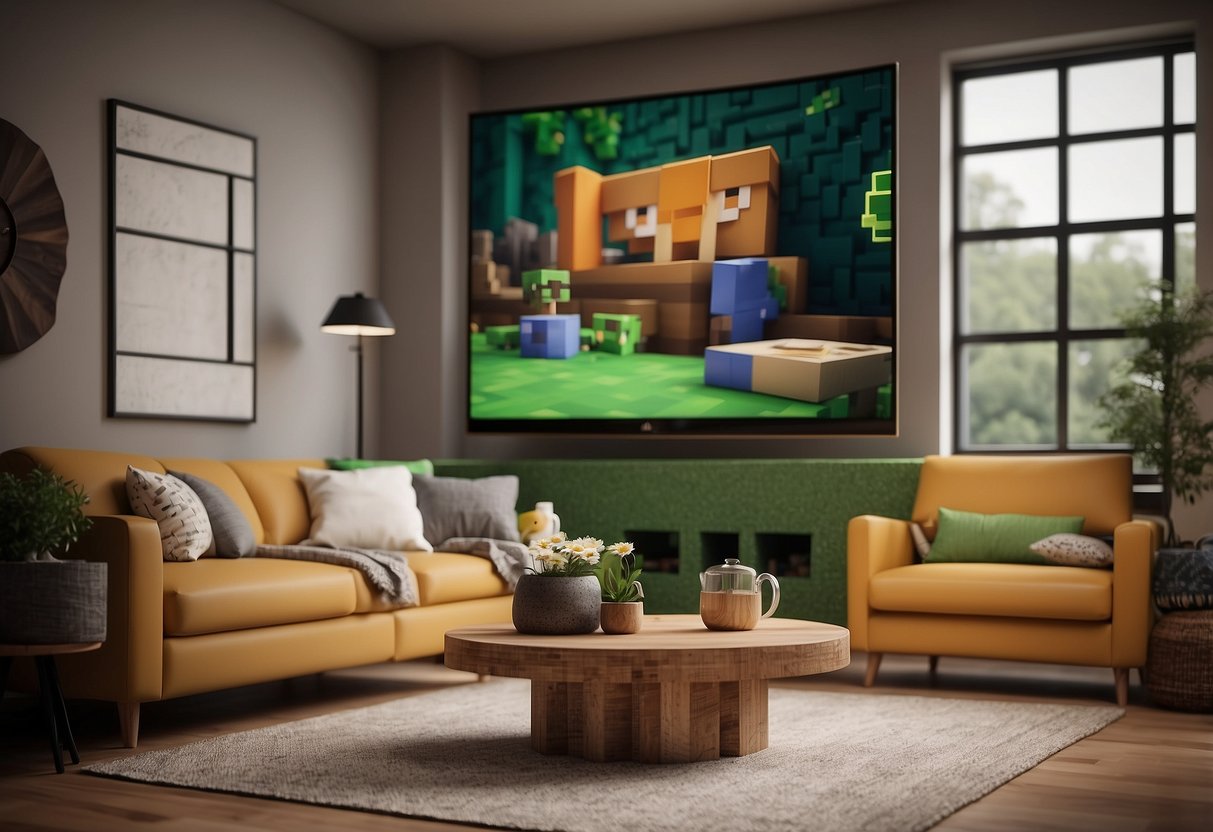
Getting started with MrCrayfish’s Furniture Mod is easy. Once you’ve downloaded and installed the mod, you’ll have access to a wide range of new items, from sofas and chairs to kitchen appliances and outdoor grills. You can even send items and blocks to other players using the built-in mail system. And if you’re feeling creative, you can customize the textures of the furniture with your own resource pack.
If you’re looking for support or inspiration, the MrCrayfish community is active and helpful. You can find tutorials, showcase videos, and a wealth of information on the mod’s official website and social media channels. And if you have any questions or issues, you can reach out to the developer or other members of the community for help.

Key Takeaways
- MrCrayfish’s Furniture Mod adds a variety of furniture and decorations to Minecraft, allowing you to create more realistic and functional virtual spaces.
- Getting started with the mod is easy, and you can customize the textures of the furniture with your own resource pack.
- The MrCrayfish community is active and supportive, providing tutorials, inspiration, and help with any issues you may encounter.
Getting Started with MrCrayfish’s Furniture Mod
If you’re looking to add some unique furniture pieces to your Minecraft world, MrCrayfish’s Furniture Mod is a great place to start. This mod adds over eighty unique blocks to decorate your kitchen, bedroom, living room, outdoors, and more.

Installation Guide
To install MrCrayfish’s Furniture Mod, you will need to have Minecraft Forge installed on your computer. Once you have Forge installed, you can download the mod files from CurseForge or the MrCrayfish website.
After downloading the mod files, simply place them in the “mods” folder in your Minecraft directory. Once you start up Minecraft, the mod should be loaded and ready to use.
Exploring the Furniture Catalogue
Once you have MrCrayfish’s Furniture Mod installed, you can start exploring the catalogue of unique furniture pieces. The mod adds a new creative tab to your inventory, where you can find all of the new blocks and decorations.
The textures of the models are based on the current resource pack, and the mod also supports modded woods (if using the More Furniture addon). You’ll find working functionality in most blocks, not just decorative ones.
In the catalogue, you’ll find furniture for every part of your house, including the kitchen, bedroom, dining room, and outdoors. The mod is continually growing with new updates, so you can expect to find new and exciting pieces to add to your collection.
Overall, MrCrayfish’s Furniture Mod is a fantastic addition to any Minecraft world. With its easy installation process and vast catalogue of unique blocks and decorations, you can add a personal touch to your world and make it truly your own.
Community and Support

Joining the Discord Community
If you have any questions or want to share your experiences with the Minecraft MrCrayfish Furniture Mod, you can join the official Discord community. This is a great place to meet other players, share your creations, and get help with any issues you may be experiencing. You can also stay up-to-date with the latest news and updates about the mod.
To join the community, simply follow the link provided on the mod’s official website. Once you’re there, introduce yourself and start exploring the different channels. You’ll find channels for general discussion, mod support, and even channels for sharing your own custom furniture designs.
Troubleshooting Common Issues
While the MrCrayfish Furniture Mod is a well-made and high-quality mod, it’s not uncommon to experience issues from time to time. If you’re experiencing crashes, breaking, or other issues, don’t worry. There are many resources available to help you troubleshoot and resolve these issues.
One of the first things you should do is check for updates. The mod is regularly updated with bug fixes and new features, so make sure you’re running the latest version. You can also check the mod’s official website or Discord community for news and updates.
If you’re still experiencing issues, you can try configuring the mod or resolving crashes. This may involve editing the game code or making some inexperienced coding decisions. You can find detailed guides and tutorials online to help you with this process.
Finally, if you’re really stuck and can’t resolve the issue on your own, don’t hesitate to reach out to the mod’s support team. They’re always happy to help and can provide you with the assistance you need to get back to enjoying the mod.
Frequently Asked Questions
How can I download the MrCrayfish Furniture Mod for Minecraft?
You can download the MrCrayfish Furniture Mod for Minecraft from the official website of MrCrayfish. Just go to the website and click on the ‘Mods’ tab. From there, you can find the MrCrayfish Furniture Mod and download it for free.
Where can I find the recipes for items in the MrCrayfish Furniture Mod?
The recipes for items in the MrCrayfish Furniture Mod can be found on the official website of MrCrayfish. Just go to the ‘Mods’ tab on the website and click on the MrCrayfish Furniture Mod. You will find all the recipes for the items in the mod.
Is there a version of MrCrayfish Furniture Mod available for Minecraft Pocket Edition?
Yes, there is a version of MrCrayfish Furniture Mod available for Minecraft Pocket Edition. You can download it from the official website of MrCrayfish.
Can I use the MrCrayfish Furniture Mod with the Fabric mod loader?
No, the MrCrayfish Furniture Mod is not compatible with the Fabric mod loader. It is recommended to use the Forge mod loader to use the mod.
What are the steps to install MrCrayfish Furniture Mod on an iPad?
To install MrCrayfish Furniture Mod on an iPad, you need to have Minecraft installed on your iPad. Then, you need to download the MrCrayfish Furniture Mod from the official website of MrCrayfish. After that, you need to follow the instructions provided on the website to install the mod on your iPad.
How do I operate the television included in MrCrayfish’s Furniture Mod?
To operate the television included in MrCrayfish’s Furniture Mod, you need to place it in your Minecraft world. Then, you need to right-click on the television to turn it on. Once it is turned on, you can use the remote control to change channels.