If you need to transfer funds overseas from Singapore, POSB offers a convenient and easy-to-use service. With POSB’s overseas fund transfer, you can send money to family or friends, pay for goods and services, or make investments in other countries. This service is available 24/7 via digibank, allowing you to transfer funds at any time of the day.

Understanding POSB Overseas Fund Transfers
Before you begin, it’s important to understand the process of transferring funds overseas with POSB. You’ll need to provide the recipient’s bank details, including their account number, bank name, and SWIFT code. You’ll also need to specify the amount you wish to transfer, as well as the currency you want to use. POSB offers competitive exchange rates for over 40 currencies, making it easy to transfer funds to many countries around the world.
Setting Up Your POSB Overseas Transfer
To set up your overseas transfer, you’ll need to log in to digibank and select the Overseas Funds Transfer option. From there, you can enter the recipient’s bank details and choose the amount and currency you wish to transfer. Once you’ve confirmed the transaction, you’ll receive a notification that your transfer has been processed. It’s important to note that some transfers may take longer than others, depending on the recipient’s bank and the country you’re transferring funds to.
Key Takeaways
- POSB offers a convenient and easy-to-use service for transferring funds overseas from Singapore.
- Before you begin, it’s important to understand the process of transferring funds overseas with POSB.
- To set up your overseas transfer, log in to digibank and select the Overseas Funds Transfer option.
Understanding POSB Overseas Fund Transfers
If you’re looking to transfer money overseas, POSB is a great option to consider. With its partnership with DBS Bank, POSB offers a reliable and efficient way to transfer funds to various locations across the world.

What Is an Overseas Transfer?
An overseas transfer is the process of sending money from one country to another. This can be for various reasons, such as sending money to family or friends, paying for goods or services, or even investing in foreign markets.
POSB offers a range of options for overseas transfers, including DBS Remit, which allows for same-day transfers to selected markets within the cut-off times. With DBS Remit, you can transfer funds to over 50 countries, including the United States, China, and Australia.
Benefits of Using POSB for Your Transactions
There are several benefits to using POSB for your overseas fund transfers. Firstly, POSB offers competitive exchange rates, which means you get more for your money when transferring funds. Secondly, POSB has a reputation for being a reliable and trustworthy bank, which means you can be assured that your funds will be transferred safely and securely.
In addition to this, POSB offers a range of options for transferring funds, including online transfers and transfers at POSB branches. This makes it easy and convenient to transfer funds, no matter where you are in the world.
Overall, if you’re looking for a reliable and efficient way to transfer funds overseas, POSB is definitely worth considering. With its competitive exchange rates, range of transfer options, and reputation for reliability, it’s a great choice for anyone looking to make an overseas transfer.
Setting Up Your POSB Overseas Transfer

If you’re looking to transfer funds to an overseas account using POSB, you’ll need to set up your account first. Here’s a quick guide on how to do it:
Registering for Digibank Online
Before you can start making overseas transfers, you’ll need to register for Digibank Online. This can be done by visiting the POSB website and following the registration process. Once you’ve registered, you can log in to your account using your Touch/Face ID or Digibank User ID and PIN.
Adding a New Recipient
To add a new recipient for your overseas transfer, follow these steps:
- Log in to Digibank Mobile and tap on “Pay & Transfer”.
- Select the “Overseas” icon.
- Choose the recipient you wish to make a transfer to. If the recipient is not in your pre-arranged list, follow the steps in “Add Overseas Funds Transfer Recipient”.
- Enter the recipient’s bank details followed by their account and personal details.
- Review your recipient’s details and tap “Add Recipient Now”.
- Follow the 2-Factor Authentication instructions to complete the request.
It’s important to note that you’ll need to have the recipient’s full name, account number, and bank details before you can add them as a recipient for your overseas transfer.
Overall, setting up your POSB overseas transfer is a straightforward process. With Digibank Online, you can easily manage your transfers and add new recipients as needed. Just make sure to follow the steps carefully and double-check all details before making any transfers.
Executing a Transfer: Step-by-Step Guide
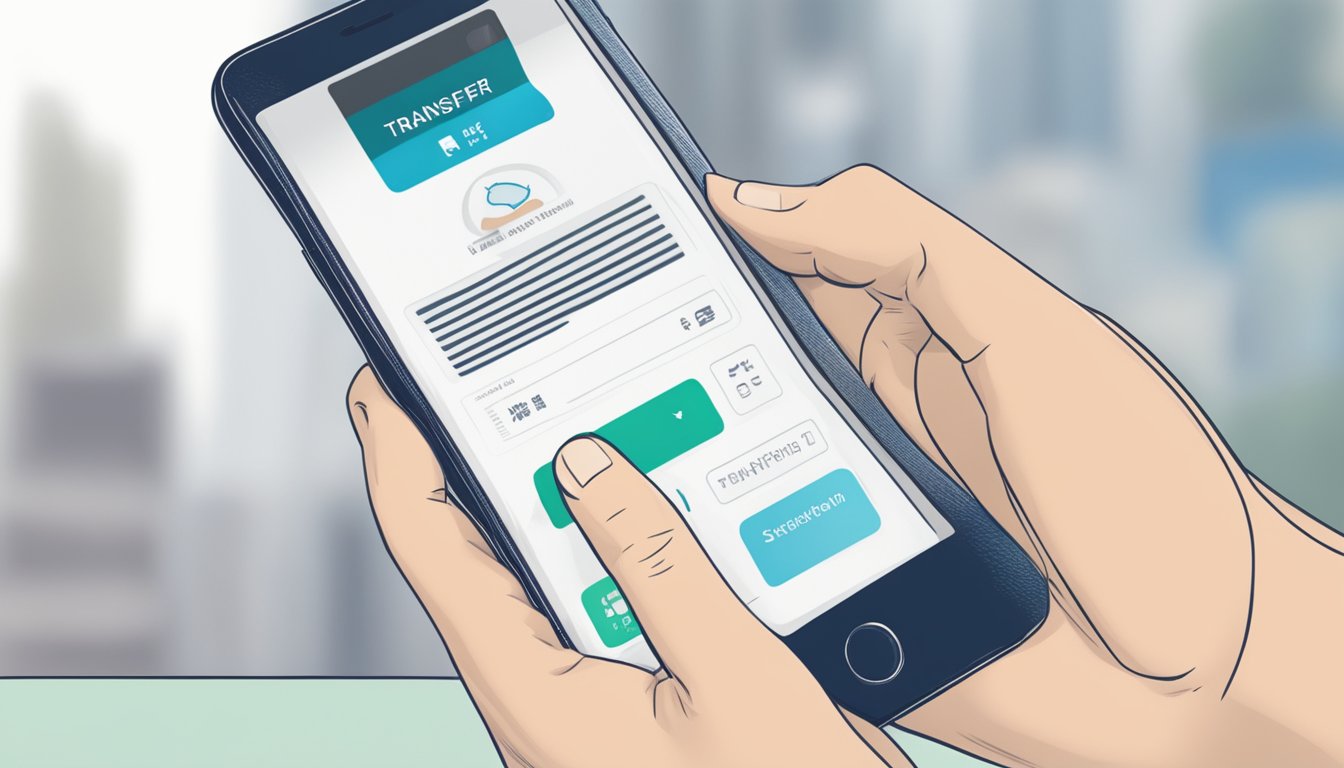
Are you ready to transfer funds overseas with POSB? Here is a step-by-step guide to help you through the process.
Selecting the Right Currency and Amount
First, you need to decide on the currency and amount you wish to transfer. POSB allows you to transfer funds to over 200 markets in more than 30 currencies, including EUR, SGD, and USD. Select the currency that suits your needs best and enter the amount you wish to transfer.
It is important to note that there are minimum and maximum transfer limits depending on the currency you choose. Make sure you check the limits before submitting your transfer request.
Confirming Bank Details and Submitting
Next, you need to confirm the bank details of the recipient. POSB allows you to add recipients and their bank details beforehand to save time during the transfer process. Make sure you have the correct bank details, including the recipient’s address and account number.
Once you have confirmed the bank details, you can submit your transfer request. POSB’s online platform ensures that your transfer is secure and fast. You will receive a confirmation once your transfer is successful.
In summary, transferring funds overseas with POSB is a straightforward process. Follow these simple steps, and you can transfer funds to your loved ones or business partners with ease.

Understanding Fees and Exchange Rates
When transferring funds overseas with POSB Singapore, it is important to understand the fees and exchange rates involved to ensure that you get the best value for your money. Here are some key things to keep in mind:
Transfer Fees and Charges
When transferring funds overseas with POSB Singapore, you will be charged a transfer fee. The transfer fee varies depending on the destination country and the amount being transferred. You can find more information about the fees and charges on the POSB Singapore website.
It is also important to note that there may be additional handling commission and agent bank charges involved in the transfer. These charges vary depending on the destination country and the receiving bank. You should check with the receiving bank to determine if there are any additional charges involved.
Navigating Exchange Rates
When transferring funds overseas with POSB Singapore, you will also need to navigate exchange rates. POSB Singapore uses the mid-market exchange rate to convert your Singapore dollars into the currency of the receiving country.
It is important to note that the mid-market exchange rate is not the same as the exchange rate that you will receive. POSB Singapore will add a markup to the mid-market exchange rate, which will be reflected in the exchange rate that you receive. The markup varies depending on the destination country and the amount being transferred.
To ensure that you get the best exchange rate possible, it is important to compare the exchange rates offered by different banks and money transfer services. You should also keep in mind that exchange rates can fluctuate rapidly, so it is important to monitor the exchange rate before making your transfer.
By understanding the fees and exchange rates involved in transferring funds overseas with POSB Singapore, you can ensure that you get the best value for your money.
Transfer Limits and Regulations
When it comes to transferring funds overseas, there are certain limits and regulations that you need to keep in mind. This section will provide you with all the relevant information you need to know about transfer limits and regulations for POSB overseas fund transfer in Singapore.
Daily and Transactional Limits
POSB has set a daily limit of SGD 200,000 for overseas fund transfers. This means that you can only transfer up to SGD 200,000 per day to an overseas account. If you need to transfer more than this amount, you will need to visit a DBS/POSB branch and our staff will assist you with the transfer.
Apart from the daily limit, there is also a transactional limit of SGD 50,000 for telegraphic transfers. This means that you can only transfer up to SGD 50,000 per transaction. If you need to transfer more than this amount, you will need to split the transfer into multiple transactions.
International Transfer Regulations
When it comes to transferring funds overseas, there are certain regulations that you need to comply with. These regulations are in place to prevent money laundering and terrorist financing.
To comply with these regulations, you will need to provide certain information when initiating an overseas fund transfer. This includes the purpose of the transfer, the source of funds, and the recipient’s details.
It is also important to note that POSB does not allow transfers to certain countries and entities due to regulatory restrictions. These include countries that are subject to economic sanctions and entities that are on the international watchlist.
In conclusion, when transferring funds overseas with POSB, you need to be aware of the daily and transactional limits as well as the international transfer regulations. By complying with these regulations, you can ensure that your transfer is processed smoothly and without any issues.
Frequently Asked Questions

How quickly can I expect my international funds to arrive with POSB?
POSB offers competitive transfer speeds for international funds. The time it takes for your funds to arrive will depend on various factors, such as the country of the recipient and the currency you are transferring. However, in most cases, you can expect your funds to arrive within 1-3 business days.
What is the maximum amount I can transfer abroad through POSB?
POSB allows you to transfer up to $200,000 per transaction for international transfers. If you need to transfer more than this amount, you can visit any DBS/POSB branch, and their staff will assist you.
Could you tell me about the fees for sending money overseas with POSB?
The fees for sending money overseas with POSB vary depending on the destination country, the amount of money you are transferring, and the transfer method you choose. However, for regular overseas funds transfer, agent bank fees/charges can be borne by either the sender or beneficiary. You will need to specify this when setting up the transfer.
What details do I need to provide for a successful POSB transfer to a foreign account?
To ensure a successful transfer, you will need to provide the following details of your intended recipient:
- Full name and address
- Bank account number and type
- Bank name and address
- SWIFT code or Bank Identifier Code (BIC)
Are there any promotional codes available for reducing POSB’s overseas transfer costs?
POSB occasionally offers promotional codes that can help reduce the cost of your international transfer. You can check their website or contact their customer service to find out if there are any available at the moment.
Does POSB share the same SWIFT code as DBS for international transactions?
Yes, POSB shares the same SWIFT code as DBS for international transactions. The SWIFT code for both banks is “DBSSSGSG”.