Office Furniture Layout Tool: Simplify Your Workspace Design
Are you looking to enhance your office’s productivity and creativity? One way to achieve this is by optimising your office layout. A well-designed office layout can make a significant difference in your employees’ work experience, which can lead to increased productivity and creativity. However, designing an office layout can be a daunting task, especially if you don’t have any prior experience in interior design.

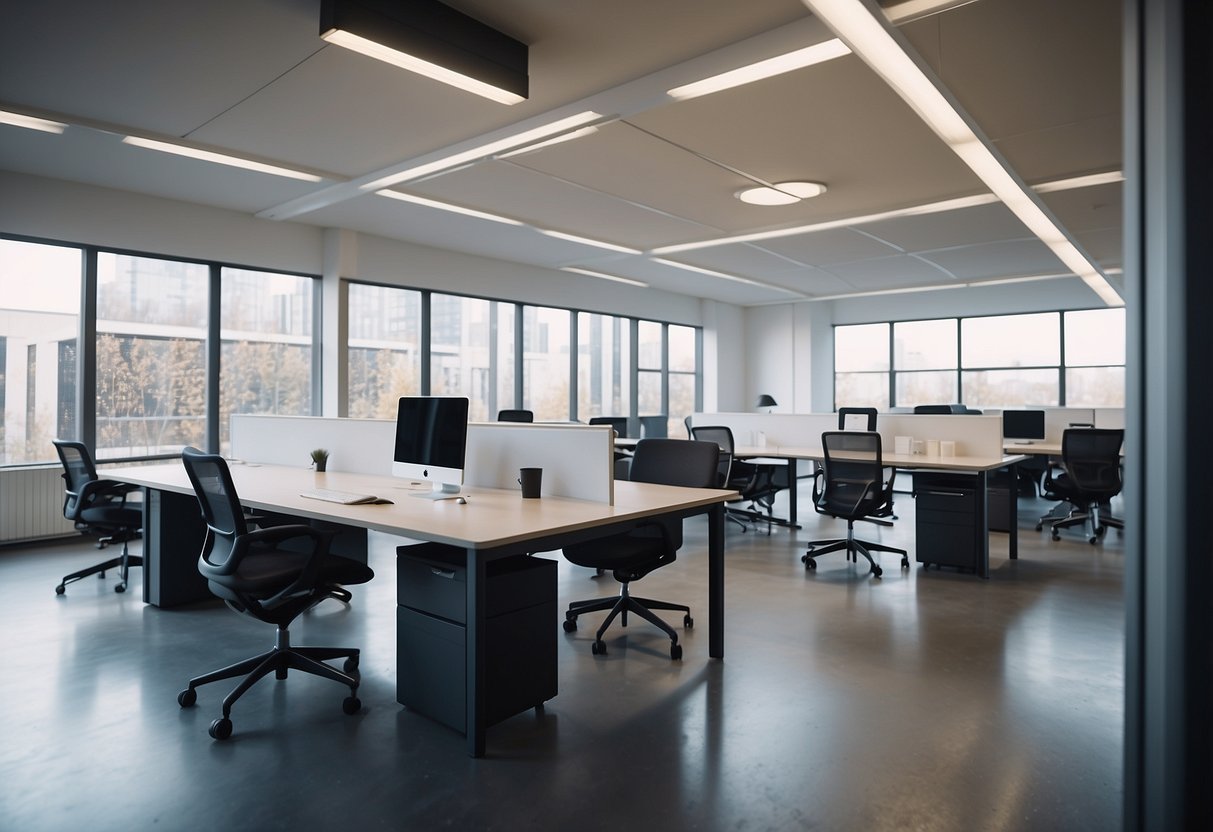
Fortunately, there are office furniture layout tools available that can help you design your office layout with ease. These tools provide you with design ideas and allow you to visualise your office layout before making any changes. With a few clicks, you can create a functional and aesthetically pleasing office layout that suits your business needs.
In this article, we will explore office furniture layout tools and how they can help you optimise your office layout. We will also answer some frequently asked questions to help you make an informed decision. So, let’s get started!
Key Takeaways
- Office furniture layout tools can help you design your office layout with ease and provide you with design ideas.
- Optimising your office layout can lead to increased productivity and creativity.
- Using office furniture layout tools can save you time and money in the long run.
Exploring Office Furniture Layout Tools

When it comes to designing the layout of your office furniture, using an office furniture layout tool can be a great way to visualise your ideas and make sure everything fits together perfectly. In this section, we’ll explore some of the best software options for designing your office furniture layout.

Choosing the Right Software
There are many office furniture layout tools available on the market, from free apps to more advanced software. It’s important to choose the right software for your needs, based on the complexity of your office layout and your budget. Some popular options include SmartDraw, RoomSketcher, and Planner 5D.
Starting with Templates and Examples
Once you’ve chosen your software, it’s a good idea to start with templates and examples. This can help you get a feel for the software, and give you some inspiration for your own office layout. Many office furniture layout tools come with pre-designed templates and examples, which you can customise to fit your needs.
Incorporating Design Elements
When designing your office furniture layout, it’s important to think about design elements such as colour, texture, and symbols. Many office furniture layout tools offer a range of design options, including different colours and textures for walls and floors, as well as symbols for office furniture and equipment. You can also experiment with different window and door placements to create the perfect flow through your office.
In conclusion, using an office furniture layout tool can be an effective way to design the perfect layout for your office furniture. By choosing the right software, starting with templates and examples, and incorporating design elements, you can create a functional and aesthetically pleasing office space that meets your needs.
Optimising Your Office Layout
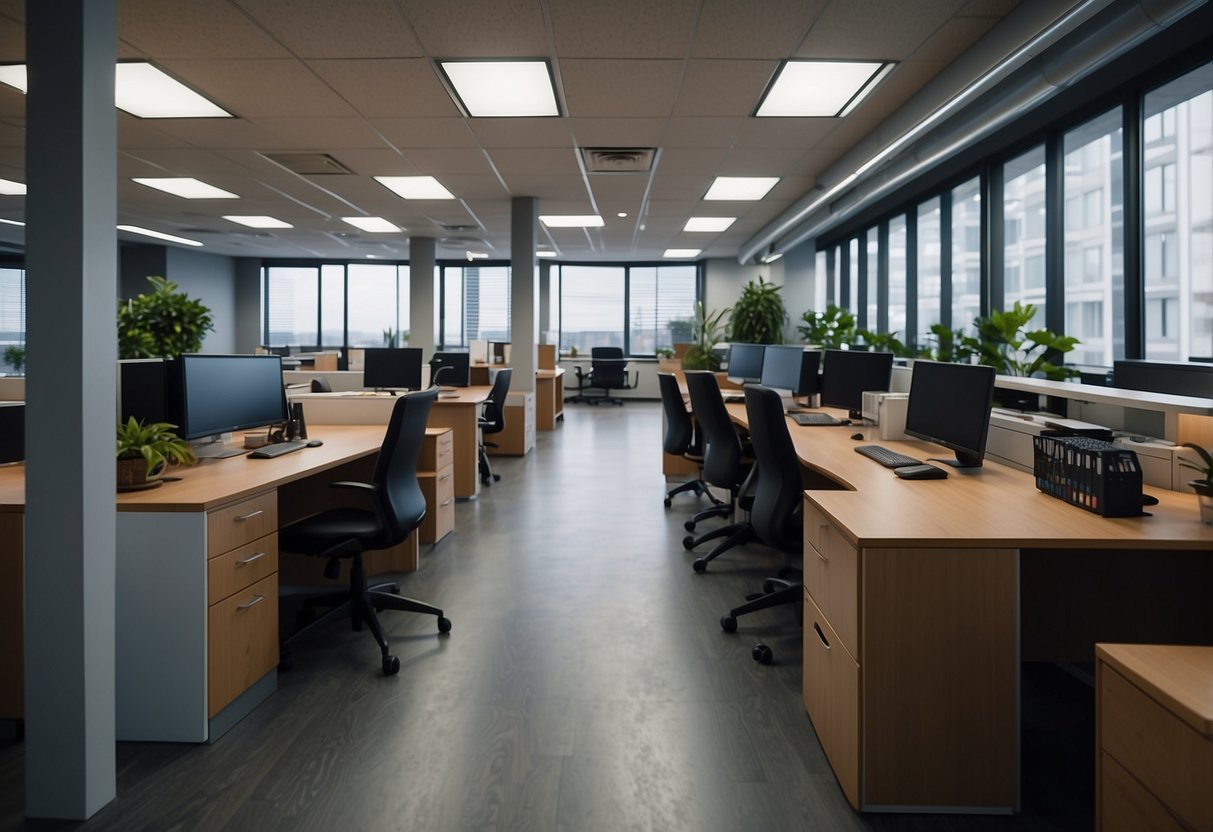
When it comes to office furniture layout, optimising your space is key to creating an efficient and productive work environment. By taking into account the needs of your employees and the objectives of your business, you can create a workspace that is both inviting and functional. Here are some tips to help you optimise your office layout:
Efficient Space Planning
Efficient space planning is essential for any office layout. By carefully considering the dimensions of your space, you can create a layout that maximises your available square footage. This means taking into account the placement of walls, doors, windows, and other components, as well as the needs of your employees. Whether you’re working with a traditional office layout or an open office plan, efficient space planning is key to creating a work area that is both functional and comfortable.

Enhancing Collaboration and Productivity
Collaboration and productivity are essential to the success of any business. By creating a workspace that encourages interaction and workflow, you can enhance the productivity of your teams. This means considering the placement of desks, chairs, and other furnishings, as well as the layout of your work area. Whether you’re working with cubicles or an open office plan, flexible furniture placement and partitions can help to create a workspace that is both collaborative and productive.
Visualisation and Export Options
Visualisation and export options are essential for any office layout tool. By using 3D visualisation and export options, you can create a 3D model of your office layout and export it as a PDF or PNG file. This means that you can easily share your office plans with HVAC experts, building plans, or other stakeholders, saving time and ensuring that everyone is on the same page.
In conclusion, optimising your office layout is essential for creating an efficient and productive work environment. By considering the needs of your employees and the objectives of your business, you can create a workspace that is both inviting and functional. By using efficient space planning, enhancing collaboration and productivity, and visualisation and export options, you can create an office layout that works for you.
Frequently Asked Questions
What are some user-friendly tools for designing office layouts?
If you’re looking for a user-friendly tool to help you design your office layout, there are several options available. RoomSketcher and SmartDraw are two popular online tools that allow you to create an accurate office floor plan with simple drag-and-drop drawing tools. These tools come with built-in measurement tools, which make it easy to create an accurate office floor plan.
How can I create an office floor plan with accurate dimensions?
To create an office floor plan with accurate dimensions, you can use an online office furniture layout tool like RoomSketcher or SmartDraw. These tools come with built-in measurement tools that allow you to create an accurate floor plan. You can also use a tape measure to measure the dimensions of your office space and transfer them onto graph paper to create a scale drawing.
Where can I find a free tool to help me arrange my office furniture?
If you’re looking for a free tool to help you arrange your office furniture, RoomSketcher and SmartDraw both offer free trials of their software. These tools allow you to create an accurate office floor plan and arrange your furniture with simple drag-and-drop drawing tools.
What’s the best way to design a small office space efficiently?
When designing a small office space, it’s essential to maximize the available space. Start by measuring the area and then choose furniture that fits the space. Consider using multifunctional furniture like a desk that doubles as a storage unit. You can also use mirrors to create the illusion of more space and choose light, neutral colours to make the space feel larger.
Can I design an office layout using a template, and where can I find one?
Yes, you can design an office layout using a template. SmartDraw and RoomSketcher both offer a range of office layout templates that you can customize with your dimensions and furniture. You can also find free office layout templates online by searching for “office layout templates” in your preferred search engine.
Is there a method for drawing an office floor plan in Word or similar software?
Yes, you can draw an office floor plan in Word or similar software. However, it may be more challenging to create an accurate floor plan without built-in measurement tools. You can use the drawing tools in Word to create a basic layout and then add furniture using clip art or images. Alternatively, you can use graph paper and a ruler to create a scale drawing and then scan or photograph it to add it to your Word document.