

Ikea App: Visualise Furniture in Your Room
Are you looking to redesign your living space but can’t quite picture how new furniture will look in your home? IKEA’s augmented reality app allows you to visualise furniture in your space before you buy it. The IKEA app is an innovative tool that lets you explore and design your home, making it easy to shop for furniture, storage solutions, and home decor.

The IKEA app allows you to customise your furniture with one of their online planners, helping you to create your ideal kitchen, wardrobe, modular storage unit and more. The app also features augmented reality technology, allowing you to place IKEA products in your home virtually. You can easily capture the setting in the app and share it as an image or video with friends before making a purchase.
Whether you’re looking for a total home redesign or just a few new additions, the IKEA app is a great tool to help you visualise your space and shop for furniture and home decor. With the IKEA app, you can easily explore and customise your living space, making it simple to find the perfect furniture for your home.

Key Takeaways
- The IKEA app allows you to explore and design your home, making it easy to shop for furniture, storage solutions, and home decor.
- The IKEA app features augmented reality technology, allowing you to place IKEA products in your home virtually.
- With the IKEA app, you can easily explore and customise your living space, making it simple to find the perfect furniture for your home.
Exploring the IKEA App
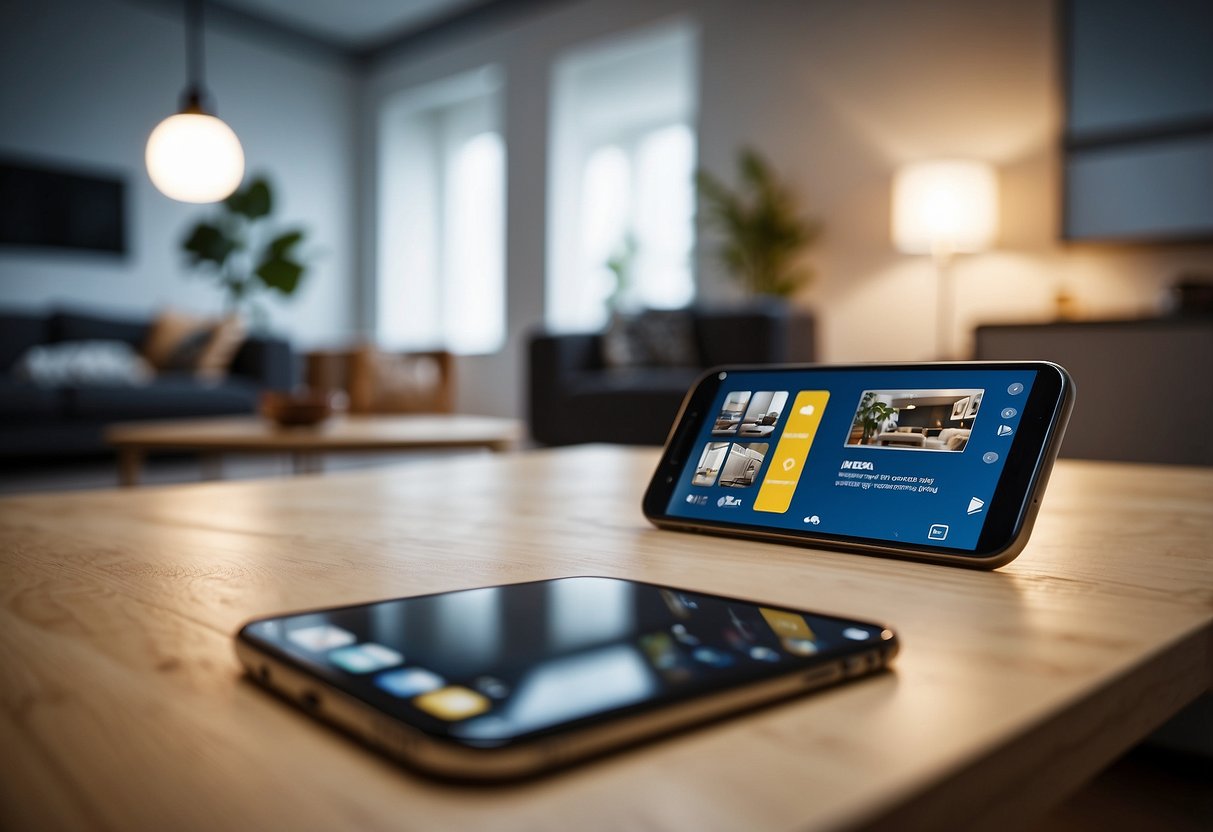
If you’re looking to decorate your home with IKEA furniture, the IKEA app is a great tool to help you visualize how it will look in your space. Here’s a guide to navigating the app and taking advantage of its features.

Navigating IKEA Kreativ
One of the most exciting features of the IKEA app is IKEA Kreativ, which allows you to use augmented reality to place virtual IKEA furniture in your room. To use it, simply select the IKEA Kreativ option from the app’s main menu and follow the instructions to scan your room.
Once you’ve scanned your room, you can browse through IKEA’s catalogue of furniture and select the items you want to place in your space. As you move your phone around the room, the app will show you how the furniture will look in real-time. You can even adjust the size and placement of the items to get a better idea of how they will fit in your space.
The Convenience of In-App Purchases
If you find a piece of furniture you love while using IKEA Kreativ, you can easily purchase it through the app. The IKEA app offers in-app purchases, so you can buy the furniture you need without ever leaving the app.
To make a purchase, simply select the item you want to buy and add it to your cart. From there, you can check out using your preferred payment method. You can even track your order and get updates on its delivery status through the app.
Overall, the IKEA app is a convenient and user-friendly tool for shopping for furniture. Whether you’re using IKEA Kreativ to visualize how a piece of furniture will look in your space or making a purchase through the app, the IKEA app makes it easy to shop for IKEA furniture from your mobile device. You can download the app from the Apple App Store or the Google Play Store for Android devices.
Visualising Your Space with Augmented Reality

With the IKEA app, you can now visualise how furniture and accessories would look in your living room or bedroom, using augmented reality (AR) technology. The app’s AR feature allows you to place true-to-scale 3D models of furniture in your space, so you can see how they fit and look before making a purchase.
Transforming Rooms with the Scene Scanner
The IKEA Kreativ Scene Scanner™ is a feature that transforms your space into a virtual room, giving you the freedom to design and decorate your room with furniture and accessories from the IKEA catalogue. The Scene Scanner uses your phone’s camera to scan your room and create a 3D model of it. You can then add furniture to the virtual room and see how it looks in real-time.
Designing with 3D Furniture and Accessories
With the IKEA app’s 3D feature, you can choose furniture and accessories from the IKEA catalogue and place them in your space to see how they look. You can change the dimensions and scale of the furniture to fit your room, and choose from a variety of styles to match your taste.
The app’s 3D feature allows you to design your space with ease, whether you’re looking for a new sofa or coffee table. You can visualise how the furniture will look in your space and make an informed decision before making a purchase.
In conclusion, the IKEA app’s AR feature and 3D feature allow you to visualise your space with ease, making it easier to design and decorate your living room or bedroom. With the app’s Scene Scanner and 3D furniture and accessories, you can transform your space into a virtual room and design it to your liking.
Frequently Asked Questions

How can I visualise IKEA furniture in my room using the app?
To visualise IKEA furniture in your room, you can use the IKEA Place app. Simply download the app, select the furniture you want to see in your space, and use your phone’s camera to scan the area where you want to place the furniture. The app will then display the furniture in your room, to scale and in 3D, so you can see how it looks before making a purchase.
What should I do if the IKEA Place app isn’t working properly on my device?
If you’re experiencing issues with the IKEA Place app, try closing the app and reopening it. If that doesn’t work, make sure that your device is running on the latest software update, and that you have a stable internet connection. If you’re still having problems, you can contact IKEA customer support for further assistance.
Is there a step-by-step guide on how to use the IKEA app to arrange furniture in my room?
Yes, the IKEA Place app includes a step-by-step guide on how to use the app to arrange furniture in your room. Simply open the app and select the “How-to” option from the menu. The guide will walk you through the process of scanning your room, selecting furniture, and placing it in your space.
Where can I download the IKEA app for placing furniture in my room for iOS or Android?
You can download the IKEA Place app for iOS or Android from the App Store or Google Play Store, respectively.
Has the IKEA Place app been discontinued, and if so, what are the alternatives?
No, the IKEA Place app has not been discontinued. It is still available for download and use. However, there are other apps available that offer similar functionality, such as Houzz and Wayfair.
Are there any apps available that can help me clear out existing furniture to visualise new pieces in my space?
Yes, there are several apps available that can help you clear out existing furniture to visualise new pieces in your space. Some popular options include MagicPlan, Room Planner, and Homestyler.